Keep your agent skills in folders, not global
· Sona Orbit
Why set it up this way
With one agent and one kind of work, putting your rules in the global config file is enough. Once you have several kinds of work and several agents, that breaks down:
- One global file has to cover app review, video production and backend deploys. Every session the agent reads all of it, and most of it has nothing to do with the task at hand.
- A skill Claude Code can see, Codex can't. Copy the same rule into a few places and one copy soon goes stale.
- The next agent doesn't know where the last one stopped, so you explain it all again.
So the setup has three goals: each agent gets only the rules this task needs, every agent reads the same rules, and finished work can be picked up later. The matching moves: split work types into folders, keep shared skills in one place and read them on demand, and write a log entry when you're done. The global file is left with pointers only.
In practice that's three layers:
- Global holds pointers only. Each agent's global config stays short: where to find the rules, write a log when done, and the few hard limits every task follows.
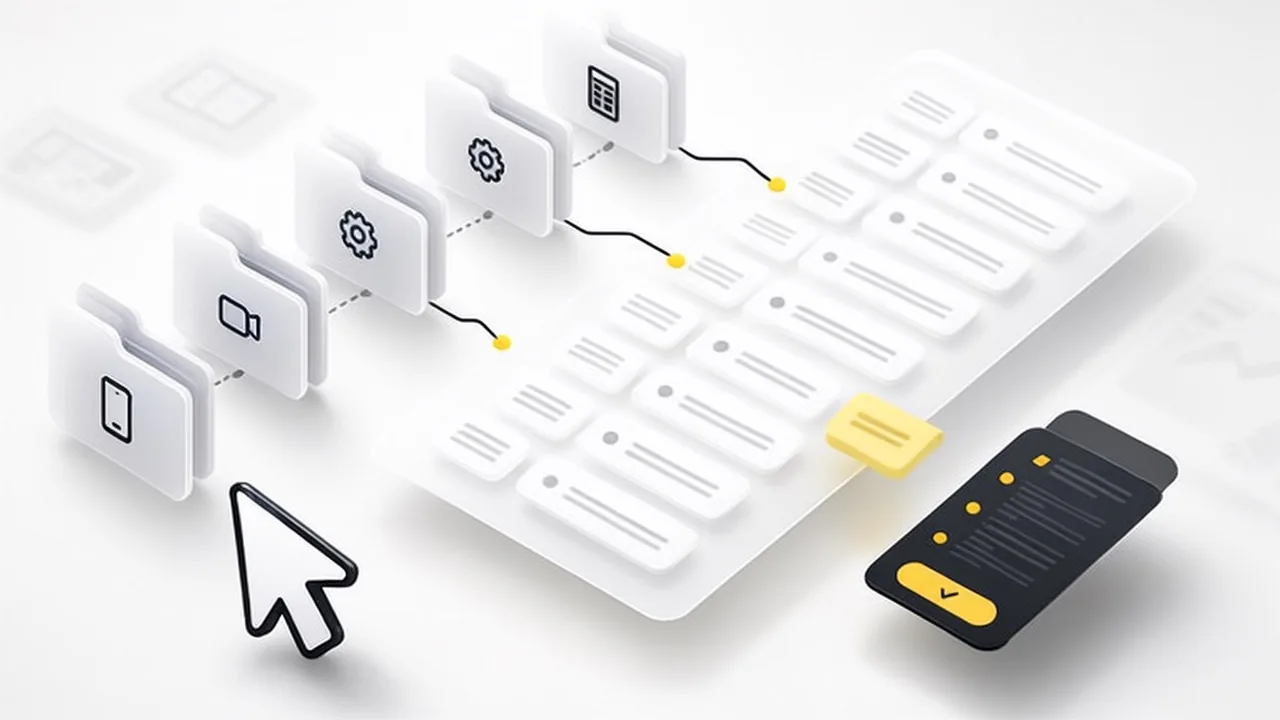
- Project folders separate the kinds of work. Each kind of work keeps its rules and its own skills in its own folder. Whichever folder an agent works in, it gets that work's rules.
- Shared skills live in one shared library, read only when needed. Every agent reads the same copy.
One rule runs through all three: always write a log entry when you finish, so the next session or the next agent can pick it up.
1. Why not put everything in global
Putting every skill in global looks like the easy option. In practice you hit four problems:
- The rules pile up together. Review rules, the video workflow and backend limits all sit in one file, so an agent fixing subtitles still reads the review rules.
- Skills trigger by mistake. Skills trigger on their descriptions. With many global skills the descriptions overlap, and "tidy this up" can pull in the reporting skill.
- It eats context. Global content loads at the start of every session. The more of it has nothing to do with the task, the less room is left for code and documents.
- Different agents can't read the same copy. Claude Code, Codex, Antigravity and DeepSeek harness each look in their own place. To reach all of them you copy the rules several times, and one copy soon goes stale.
2. Three layers
AGENTS.md and only Claude Code reads CLAUDE.md, so two identical files per folder is enough. Own skills are kept once in .agents/skills/; Claude Code reads .claude/skills/ by default, so point a symlink there. Antigravity also accepts ~/.gemini/AGENTS.md as its global file. The shared library and the log at the bottom are one copy for everyone.| Layer | Put here | Keep out |
|---|---|---|
| Global | Where to find rules, the log format, limits that apply to all work | Any rule that belongs to one kind of work |
| Project folder | What's already decided for this work, the definition of done, its own skills | How-tos other work also needs |
| Shared library | Cross-cutting how-tos: connecting, deploying, testing, design rules | Snapshots of "what's running right now" |
To decide where a rule goes, ask one question: would a different kind of work still need it? If not, it goes in the project folder. If yes, it goes in the shared library, with a one-line pointer in global or in the folder.
3. A folder is a kind of work
The folder's rule file records what's already been decided for this work. Put a date on every rule so you can later see when and why it was made.
| Kind of work | What the folder gives the agent |
|---|---|
| App development | Supported languages, pricing rules, pre-review checks, deploy commands, recent work |
| Video production | Its own commands, the production workflow, the quality gate before delivery, how to credit assets |
| Backend service | Technical limits, tests to run before finishing, no deploying on its own, where keys live |
| Reports and data | Read-only, metric definitions, validation skills only used here |
A rule file can have three parts:
- Rules: what's already decided, each with a date.
- Locations: repo, how to deploy, where the docs are. Names only, never the keys themselves.
- Recent: one line per finished task, at most twenty lines, so the next agent in this folder knows what happened lately.
Skills that only matter for one kind of work go in that folder's .agents/skills/, not in global. Codex and Antigravity read it directly. Claude Code reads .claude/skills/ by default, so point a symlink at .agents/skills/ and there is only one copy.
4. Getting every agent to read the same rules
The agents look for different file names. Three moves line them up:
- Keep two identical files in each folder. Claude Code reads
CLAUDE.md; Codex, Antigravity and DeepSeek harness all readAGENTS.md. Keep the two word for word the same and all four read the same rules. Change both together and check withdiff. - Global files hold pointers only. Each agent's global file says the same few things, and each one is "go read this page", not the rule itself. Rules keep changing; with one original there is never a second version.
- Serve the shared library over HTTP or Git. Skill formats differ between tools, but every agent can run
curlandgit. Put the library somewhere those two can reach and no single tool limits it.
Third-party skills follow the same idea: turn each one into a page in the shared library instead of copying it into one agent's skill folder. Only skills that need the tool's own trigger and must run locally go in an agent's skill folder.
5. The shared library, read on demand
The point of the shared library is that an agent reads only the one page it needs. Use three levels of index:
GET /skills?q=<keyword>      → list: a title and a one-line summary per page
GET /skill?id=<hub>          → hub: a "to do this → read that" table
GET /skill?id=<sub-page>     → only the page you actually need
Split the hubs by area, for example hosts and deploys, models and quotas, app development, visuals and websites, video, automation. Keep it under ten, so an agent can see at a glance where to start.
Rules for writing skill pages:
- The main page covers only "how to do it" and "don'ts", under 8 KB.
- Case studies and long examples go in an attachments folder, read when needed.
- Each fact is written in one place; everywhere else links to it.
- No "current state", like which machine is running what. Look that up live, or it goes stale fast.

6. Write a log entry when you finish
The log is what lets work continue. Every time a task is done, write one entry to the same place:
{
  "agent": "<tool>@<host>",
  "ask": "<the request, word for word>",
  "task": "<what was done>",
  "summary": "<the result in a sentence or two>",
  "refs": ["<skills and files used>"]
}askkeeps the exact words. A cleaned-up version mixes in the agent's own reading. Later, only the original words tell you what was really asked.agentnames the tool and host. When something goes wrong, you can see who did it and on which machine.refslists the skills used. Count them and you'll see which pages get used most and which keep causing mistakes, so you know what to fix first.
The log has to be read back, too: when an agent starts a task it first checks the entries related to it, and that's how the last entry shows up next time.
7. The costs
- Two files to keep in sync:
./CLAUDE.mdand./AGENTS.md. Miss one, and Claude Code follows different rules from the other three. - One original means one mistake spreads everywhere. That's why every rule gets a date and every log entry lists the skills it used, so you can trace a mistake back.
- Plan for the shared library being unreachable. Write a fallback in the global file, such as reading a local Git copy.
- Organizing takes time. Without an index and a size limit, the shared library ends up as another overstuffed global folder.
8. How to start
- Go through your global skills one by one: would a different kind of work still need this? If not, move it into the matching project folder.
- One folder per kind of work, with a short rule file in three parts: rules, locations, recent.
- Put
CLAUDE.mdandAGENTS.mdin each folder, with the same content. - Gather the shared how-tos into one indexed skill library; the global file only says "start from the hubs here".
- Make it a rule to write a log entry every time: the request, what was done, the result, which pages were used.
The first two steps take an afternoon. Step five takes about a month before you see the payoff.
This first went out as a thread on X: @SonaOrbit.