 Stashlight
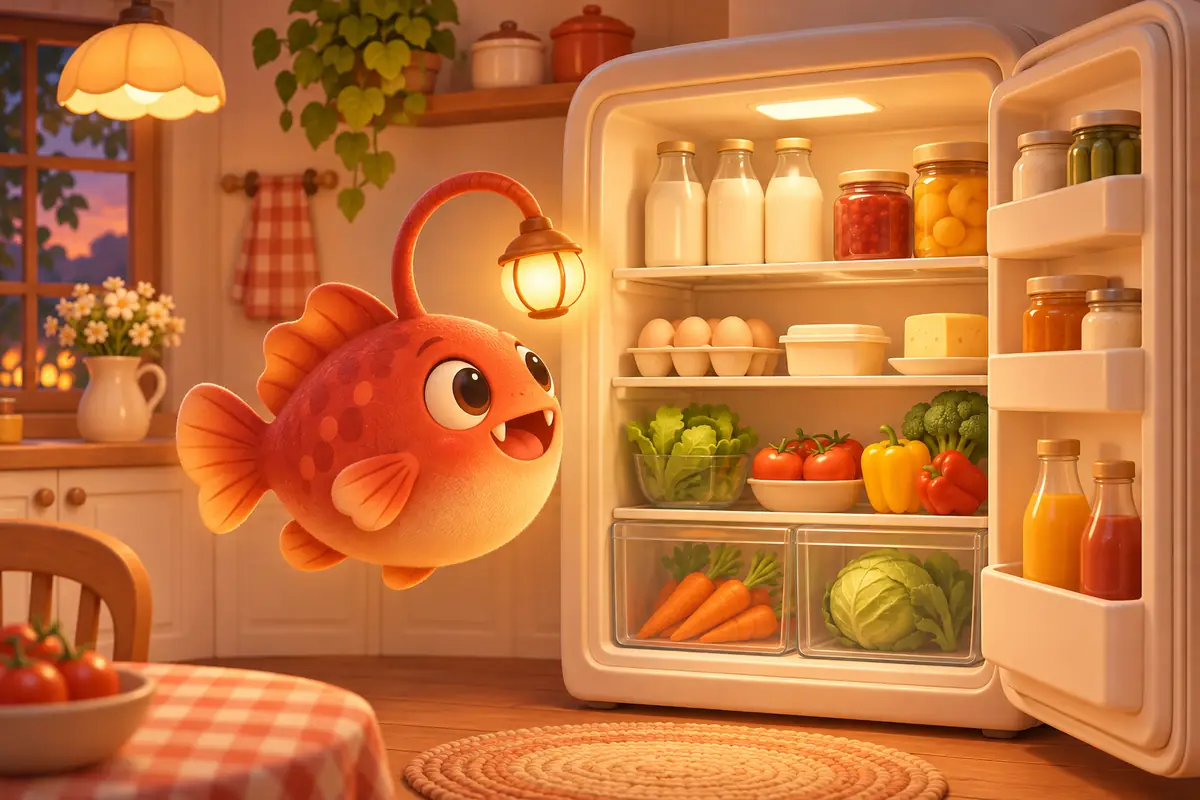
I'm Sona Orbit, the solo developer of Stashlight (深藏). The features and button names here reflect version 1.0. I checked them against the app's source code and the Stashlight website on November 14, 2026.
1. First, how Stashlight differs from a spreadsheet
Many people have tried tracking what they have at home in a spreadsheet or notes app. The sticking point is usually entering each item. You have to type its name and copy the date from the package. Stashlight starts with a photo instead.
| Feature | Stashlight | Spreadsheet or notes app |
|---|---|---|
| Adding items | Removes photo backgrounds automatically; scans barcodes in the same camera view (looks up food in Open Food Facts and books in Open Library and Google Books); includes “Continuous Scan” | Type names, categories, and dates yourself |
| Expiration dates | Reads dates on packaging when you take a photo; saves them after you confirm; sends a notification before an item expires | Read the package and enter the date yourself; set reminders separately |
| Views | Switch between display, grid, and list views for the same space | Tables or text |
| Finding things | Type or ask Lumi, the mascot, “Where's my passport?” | Search by keyword |
| Price and account | Free to download, no account; the free version has a banner ad and lets you create 3 spaces | Depends on what you use |
If you only track a dozen or so things and don't mind typing, a spreadsheet may be enough. Stashlight is for keeping track of your fridge, pantry, bookshelves, and collections without typing every item.
2. After grocery shopping: photos, barcodes, and continuous scanning
Point the camera at an item and take a photo. Stashlight removes the background and saves the photo. It uses iPhone image recognition on your device, so the photo doesn't need to be uploaded. The same camera view also looks for barcodes:
- Food: Looks up items in Open Food Facts, an open food database built by volunteers.
- Books: Looks up the ISBN in Open Library first, then Google Books.
- No match: Name the item once. The next time you scan that barcode, Stashlight fills in the name you chose.
When you get home with a bag of groceries, press and hold the camera button at the bottom and choose “Continuous Scan (Add Multiple Items),” or switch to “Continuous Scan” in the camera view. Scan items one by one, then confirm them together. For online purchases, you can choose a photo or screenshot from your library, crop it, and remove the background the same way.
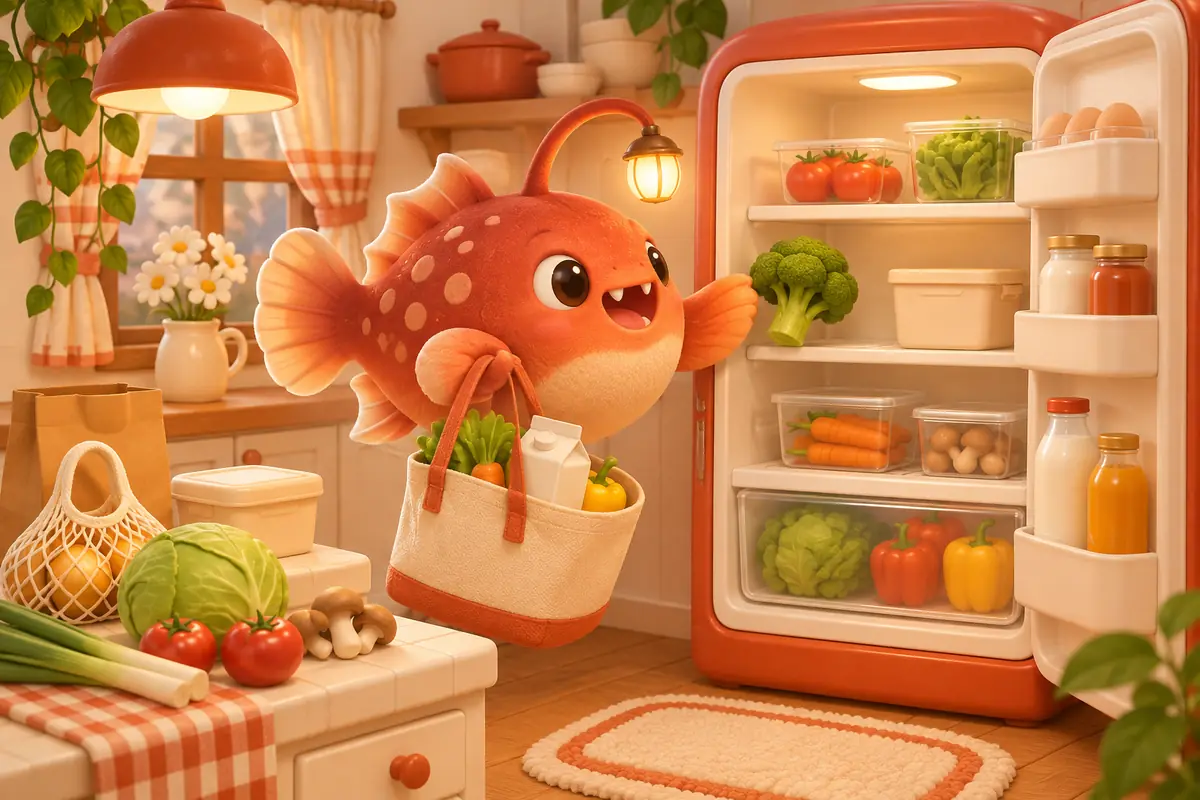
Once you've saved items, you can view each space in three ways:
- Display: Arrange photos on a fridge, dot-grid paper, or corkboard background. Drag and resize them to remember which shelf holds what.
- Grid: See items in neat rows. Select several to move together or mark as used up.
- List: Check what you have and adjust quantities with plus and minus buttons. Swipe left to mark an item “Used Up,” or swipe right to move or restock it.
The home screen shows only what needs attention today: expired items, items nearing expiration, and items running low. If you're not ready to deal with one, choose “Remind Me Tomorrow.”
3. Expiration dates on packaging
After you take a photo, Stashlight reads the packaging text on your iPhone and looks for dates. It recognizes these formats:
- Year, month, and day, such as
2026.12.01,2026年12月1日, and20261201 - Two-digit years, such as
26.12.01 - Republic of China calendar years, such as
115.12.01, a format used on some Taiwanese products - Buddhist calendar years, including the 25xx years on Thai packaging, which it converts to Gregorian years
- Day/month/year order, such as
01/12/2026
A date Stashlight finds is marked “Please Confirm.” You can change it before saving. If the package has both a production date and an expiration date, Stashlight chooses the later one. Check it before you save. It currently can't read dates that have only a year and month, so you'll need to enter those yourself.
Set the reminder lead time and time of day under “⚙︎ Settings › Expiration Reminders” in the top-right corner of the home screen. You can choose 1 to 30 days before expiration and select morning, noon, or evening.
4. Beyond the fridge: the 800 storage closet, nested spaces, and memories
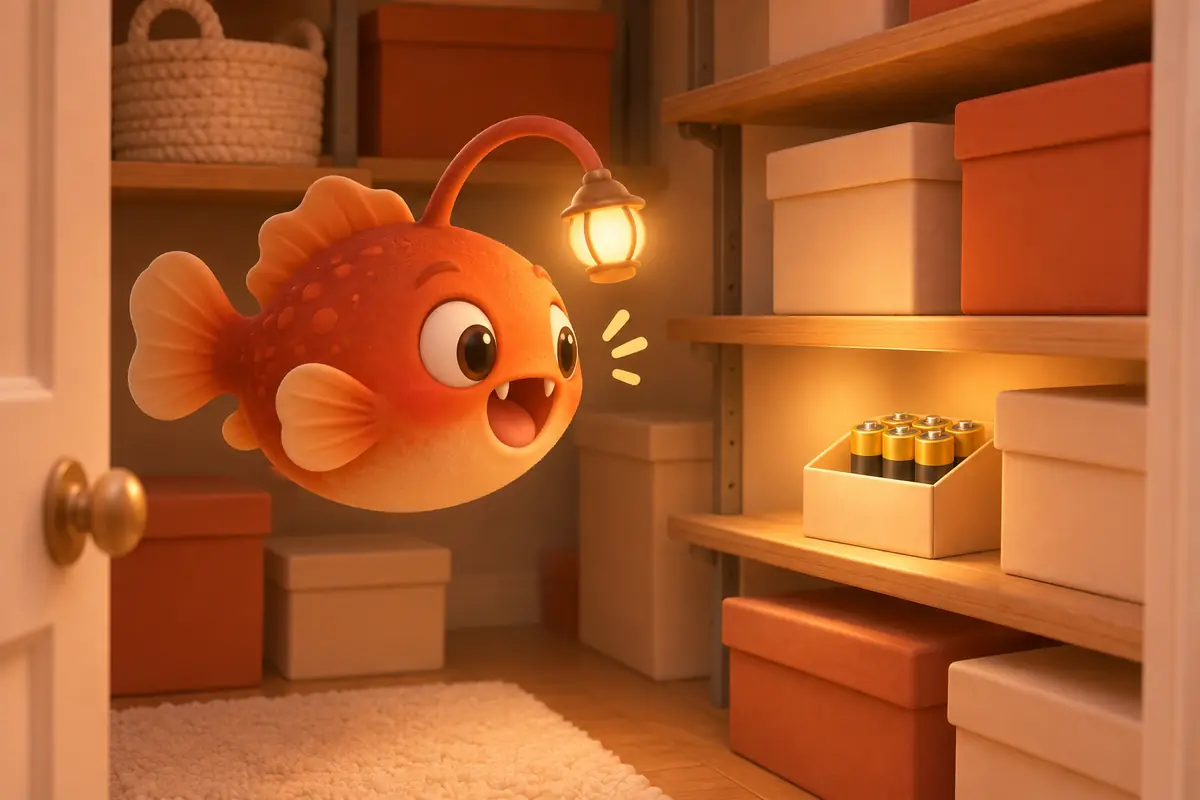
When you add a space, you can choose from eight templates: fridge, 800 storage closet, pantry cabinet, bookshelf, wardrobe, display cabinet, medicine cabinet, and moving box. The 800 storage closet template is for a walk-in storage area near an entryway or hallway, about 80 centimeters deep, where you might keep household supplies, luggage, and seasonal items. If none fits, choose your own icon and name.
- Groups: Organize spaces under names like “Home” or “Third Floor.” You can also skip groups. The default has just one level.
- Spaces inside spaces: Put “Shirts,” “Pants,” and “Shoes” inside “Clothing.” Use “Move Into…” in the menu, or press and hold to drag one card onto another.
- Details by category: Stashlight asks about expiration and storage for food, size and season for clothing, and model and warranty for electronics.
For a mug from a trip or a gift from a friend, you can write a memory on the item's page. Add photos, a date, and a place, then save it in a collection such as “Seattle 2024.” On the same day a year later, “On This Day Last Year” appears on the home screen.
5. Ask Lumi when you can't find something
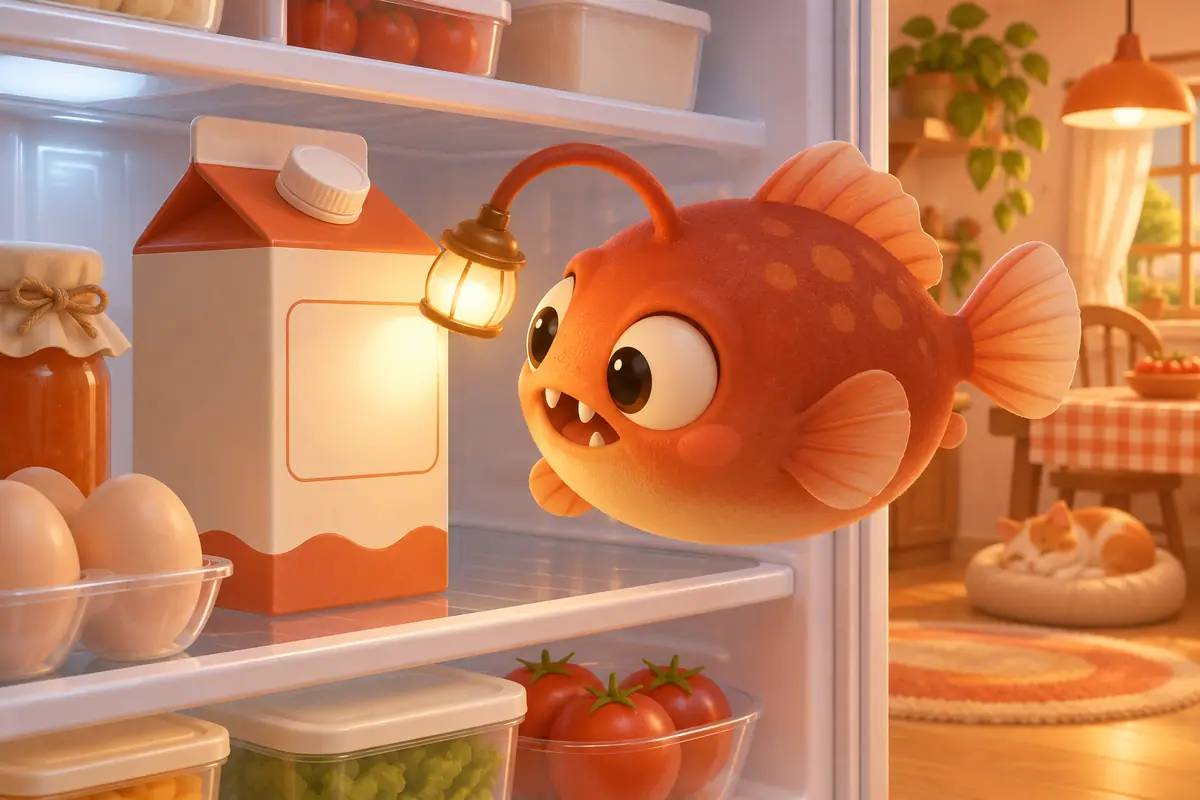
Lumi is Stashlight's anglerfish mascot, with a small light on its head. If you can't find your passport or AA batteries before heading out, type in the field at the top of the home screen or tap the microphone and ask, “Where's my passport?” or “Do I have any milk?” Lumi can tell you where an item is, how many are left, and how many days until it expires.
You can use this without turning on AI. Stashlight searches names, categories, and spaces. When your iPhone supports on-device speech recognition, it processes your voice on the phone without going online.
AI is optional. Turn it on under “Settings › AI” and choose one of two sources:
- Built-in Apple option: Uses Apple Intelligence on your iPhone. It's free, and the data stays on the phone. It requires a supported iPhone and iOS 26 or later. It can't see photos, so it uses image labels and packaging text recognized on your phone to suggest names.
- Your own API key: Use a service such as Gemini, Claude, or DeepSeek. The key stays in this iPhone's Keychain. Data goes directly to the service you choose, not through me. This option can look at photos to help name items.
With AI on, Stashlight can suggest item names, organize packaging text, and point out what to eat first from your fridge. For a medicine cabinet, it only flags expired items and does not give medical advice. AI can also consider synonyms when you search with a sentence, or turn a few words you type into a memory. It generates Lumi's daily message and suggested questions on the home screen too.
6. Current limitations
Before you add everything in your home, here's what to know:
- There is no iCloud sync or family sharing.Data stays in the app on this iPhone and is included when you back up your iPhone. You can also export a CSV in settings. You can recover deleted items from “Recently Deleted” within 30 days.
- Barcode databases don't have every item.In my tests, Open Food Facts found international products and some Taiwanese products, but not most Taiwanese products. Fresh produce and bulk foods have no barcodes, so you'll need to name them the first time.
- Background removal depends on the photo.It may leave parts of a busy background or struggle when the item and background have similar colors. If it fails, Stashlight saves the original photo instead.
- The free version has ads and limits.You can create 3 top-level spaces (sections and groups don't count) and open only your 2 most recent Lumi conversations. A Google banner ad appears at the bottom of the home, spaces, and search screens. Ads are always non-personalized, and the app won't ask for tracking permission. Google still receives device and approximate location data to serve ads. See the privacy policy for details. Stashlight Pro has unlimited spaces and conversation history, with no ads: US$1 per week, US$3 per month, or a US$5 one-time purchase (US prices; check the App Store for prices in other regions).
When Stashlight becomes available, try starting with one “Fridge” space. Photograph the three things you most often forget in the back. See whether the expiration reminders and swipe-left “Used Up” action fit your routine. Stashlight requires an iPhone with iOS 18 or later. Its interface supports six languages: Traditional Chinese, Simplified Chinese, Japanese, Korean, Thai, and English.
7. Frequently asked questions
Do I need an account? Where is my data stored?
No account is needed. Your items, photos, and memories stay in the app on your iPhone. I don't have a server that can see your data. When you scan a barcode, the app sends only the barcode number to Open Food Facts, Open Library, or Google Books to look up a name.
What if Stashlight reads an expiration date incorrectly?
A date it finds is marked “Please Confirm,” and you can change it before saving. If the package has two dates, Stashlight chooses the later one. You'll need to enter dates that show only a year and month.
Can I use Stashlight without AI?
Yes. Photo background removal, barcode scanning, expiration dates, all three views, and asking Lumi to find things don't require AI. Turning on AI adds suggested names, a look at what's in a space, synonym-based search, and help writing memories.
Can my family and I manage the same fridge?
Not yet. Stashlight doesn't have iCloud sync or family sharing. The data stays on one iPhone.
Where can I download Stashlight?
Search for Stashlight on the App Store, or go there from the Stashlight website. It's a free download.