 Guomu
I'm Sona Orbit, the solo developer behind Guomu. This post is how I review agent output on my own phone. For what Guomu does, the pages on this site are the source of truth (November 2026).
1. Ask the agent for a file, not a chat paste
Weekly reports, tables, and simple web pages get messy when pasted into a chat. A phone screen is narrow, tables get squeezed, and long documents are hard to compare front to back. Ask the agent to make a file instead, such as HTML, Markdown, PDF, or CSV. It will look much clearer.
You can write the prompt directly: “Make this an HTML file for me” or “Export it as a Markdown file.”
2. Read full screen, one item at a time
Once the file is ready, use the share sheet to send it somewhere that can preview it, such as the Files app on your iPhone. Open it full screen.
If the agent hands you several files at once, go through them one by one. Mark each one when you finish so you don't skip or re-read any.
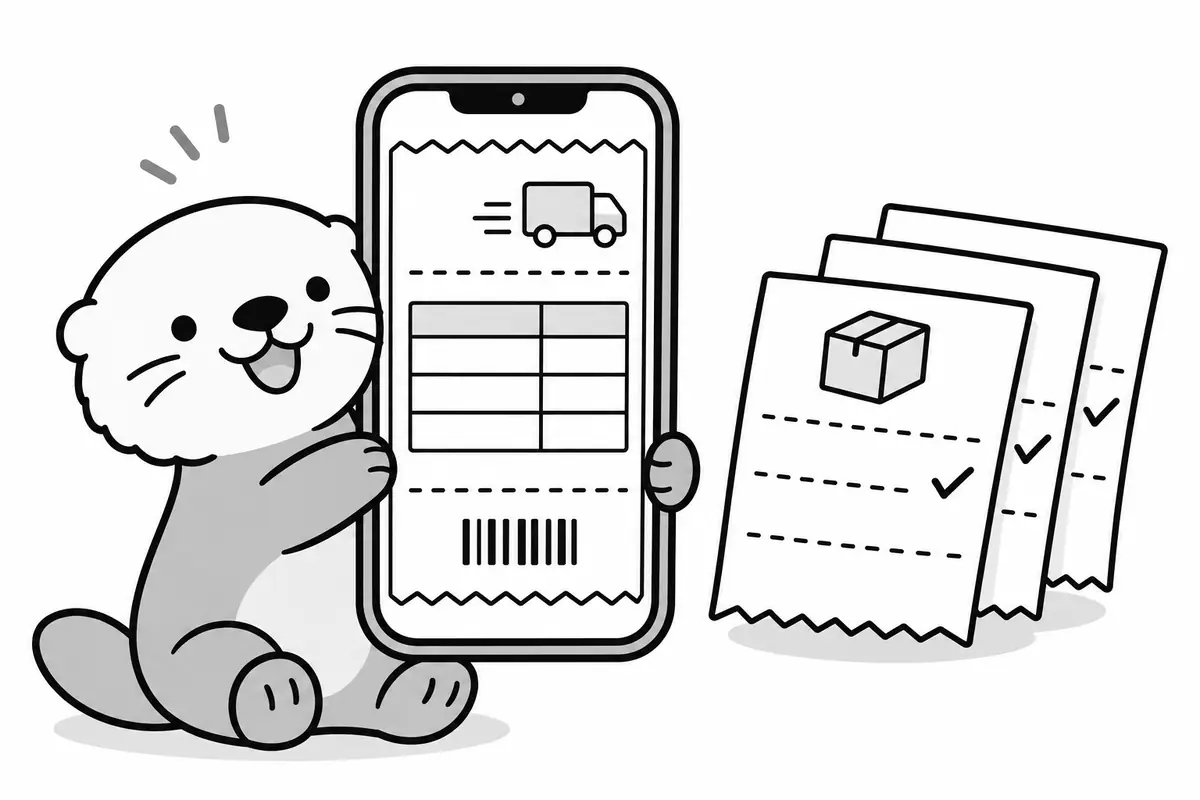
3. Take notes as you read: location + what to change
Write a note the moment you spot something. Don't wait until the end and try to remember. Each note has two parts:
- Location: which paragraph, which table, which column.
- What to change: say the result, not the feeling. “The amount in row 3 should be 12,400” is easier to fix than “the numbers look off.”
One note, one change. That way the agent won't miss anything, and it's easier for you to check later.
4. Send one piece of text, all at once
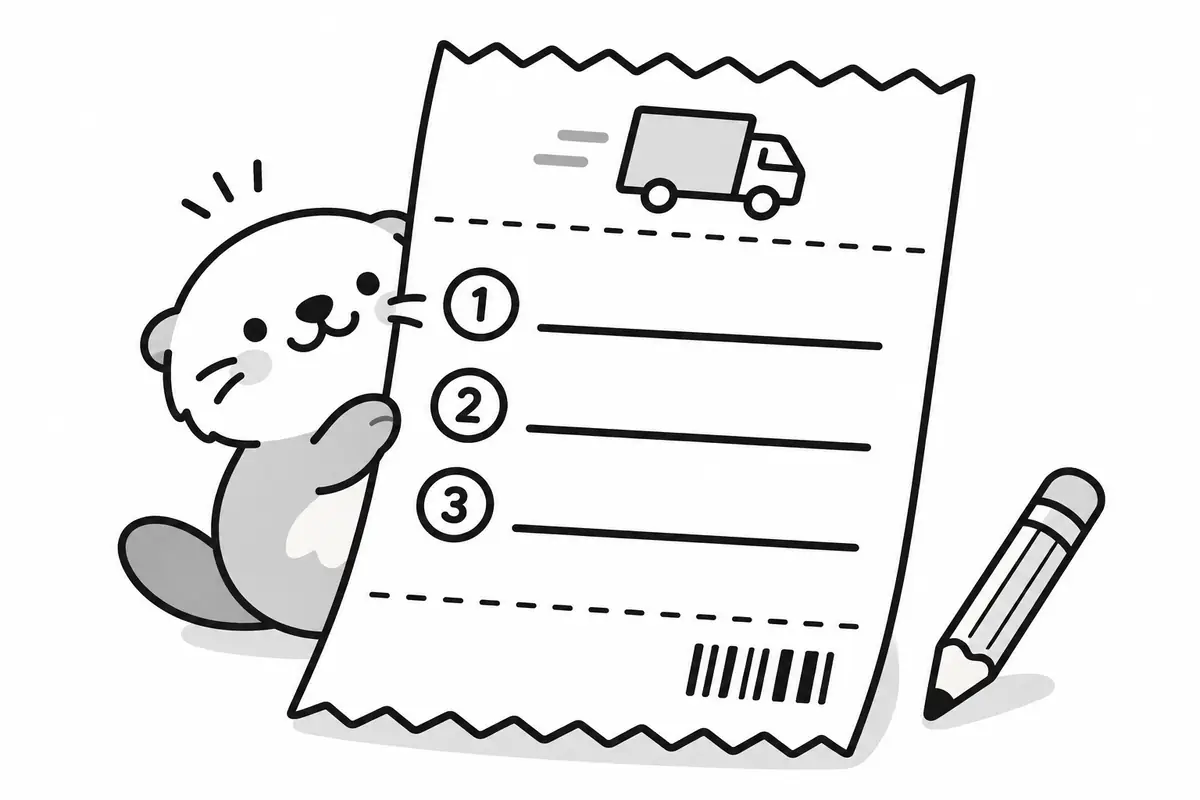
When you finish reading, turn all your notes into one piece of text, as a numbered list. Paste it back into the conversation with the agent. Sending everything at once means fewer cases where a fix in one place breaks another, and fewer rounds back and forth.
| Style | Example |
|---|---|
| Hard to act on | “Something is wrong with the table. Take another look.” |
| Easy to act on | “1. In the second table, change the amount in row 3 to 12,400. 2. Change the date in the title to November 16. 3. Delete the last sentence of the conclusion.” |
5. When version 2 arrives, check your last notes
When the revised file comes back, go through your last notes one by one. Which ones are fixed? Which were missed or done wrong? Keep the ones that are not fixed and send them back in the next round.
6. I built this workflow into Guomu
You can do all of the above with the Files app and Notes. You just have to jump between a few apps. So I built Guomu to keep it all in one place:
- Tap Share in your agent's app and choose Guomu, and the file comes in. 38 formats, including HTML, Markdown, PDF, images, and CSV, open full screen.
- Add a note wherever something needs fixing. Each delivery has one of three states: “To review,” “Needs fix,” or “Reviewed.”
- The “Return slip” gathers your unresolved notes into one piece of text. You can copy it or share it back to the chat.
- When a file with the same name comes in again, it is marked as version 2, so you can check it against your last notes.
Guomu needs iOS 18 or later. The free version keeps 10 deliveries and shows a banner ad. Pro removes the limit and the ads. Your files and notes are kept in your own iCloud Drive or on your phone. They are not sent to my servers. See the Privacy Policy for details.
7. FAQ
Why ask the agent for a file?
A phone screen is narrow. Tables and long documents pasted into a chat get squeezed and are hard to compare. A file such as HTML, Markdown, or PDF can be read full screen.
Should I send fixes all at once, or one at a time as I find them?
I suggest sending them all at once after you finish reading, as a numbered list. With everything in one message, the agent is less likely to fix one spot and break another, and you go back and forth less.
How does Guomu know which agent made a file?
iOS does not tell Guomu which app shared the file, so the tag is a guess. Guomu looks at the domain of a link and at any marker the agent wrote inside the file. If it can't tell, it uses the tag from your last delivery. You can change it before you save the delivery.
What if Guomu can't open a format?
Formats like SKP, DWG, RAR, and 7Z can't be opened. Guomu tells you so. You can send the file to another app to open it, or view the raw content.