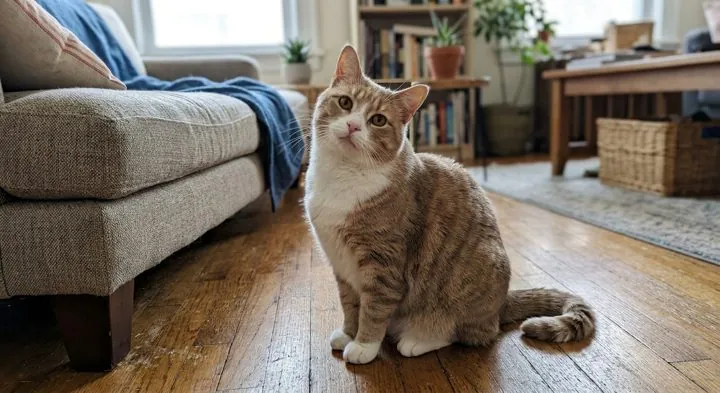
Sticker set: with a photo of a cat
Countdown app for iPhone and iPad
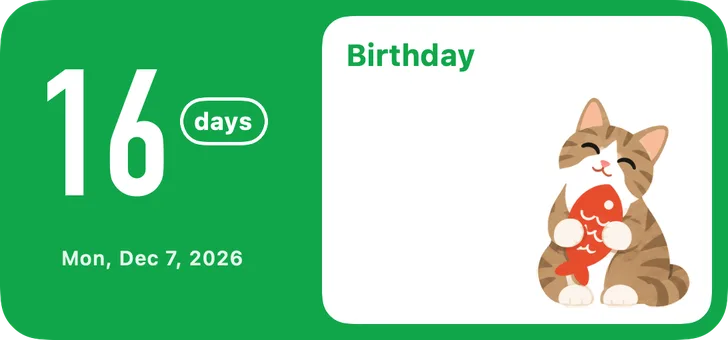
Pandays comes with 21 styles. Pick one, let ChatGPT or Gemini turn your photo into a full picture, bring it back to Pandays, and it becomes your own stickers, numbers and widgets.
Coming soon to the App Store
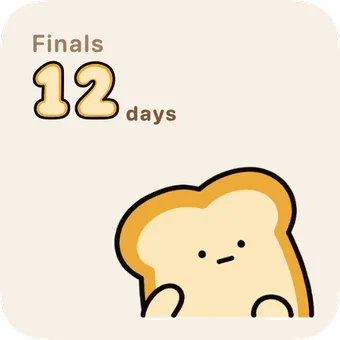
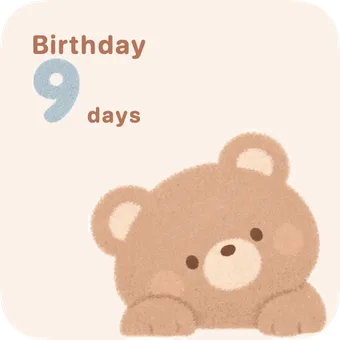
21 styles
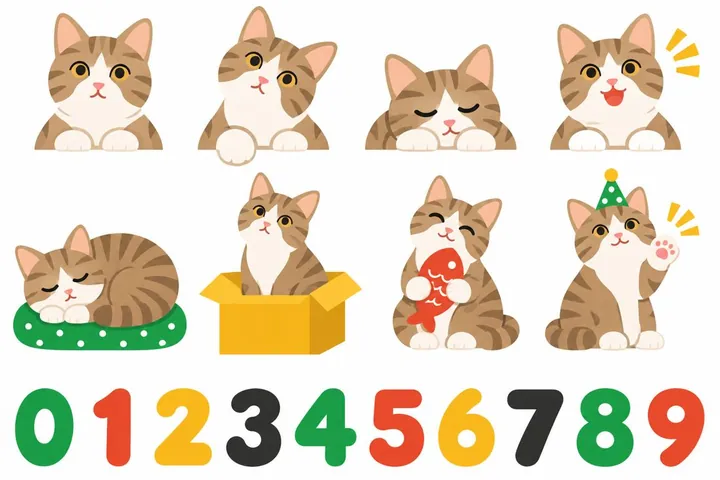
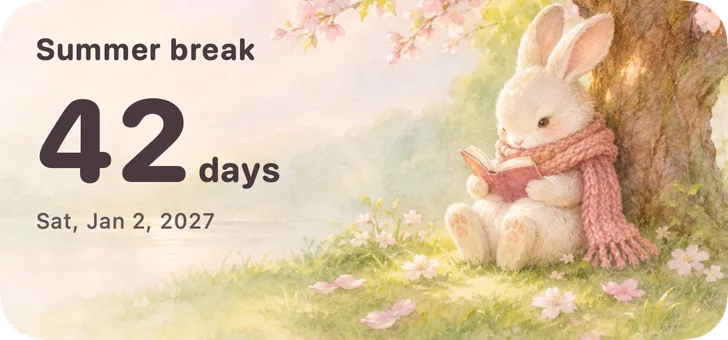
15 styles are sticker sets: each has an original character in 8 poses plus hand-drawn numbers. 6 styles are a single picture: one finished illustration that fills the whole widget. Every style lets you change the layout, the number font and the colors.
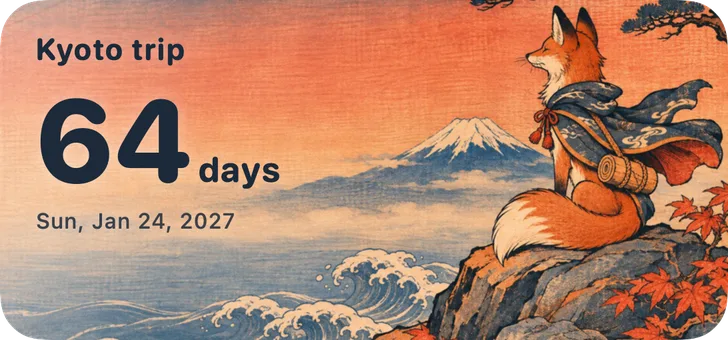
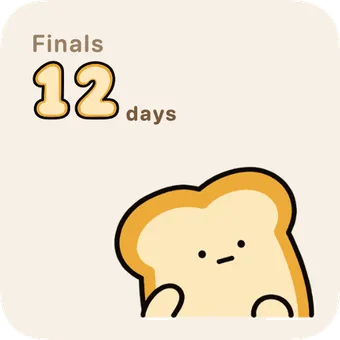
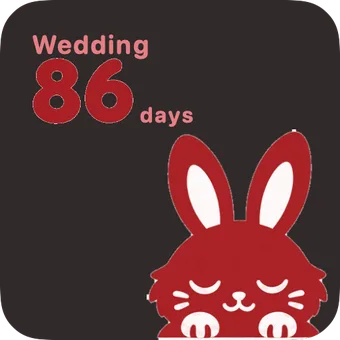
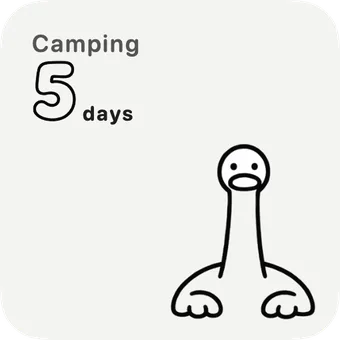
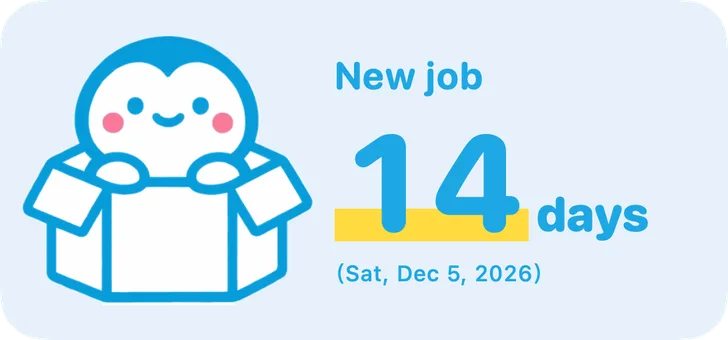
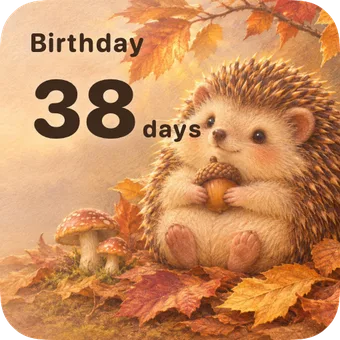
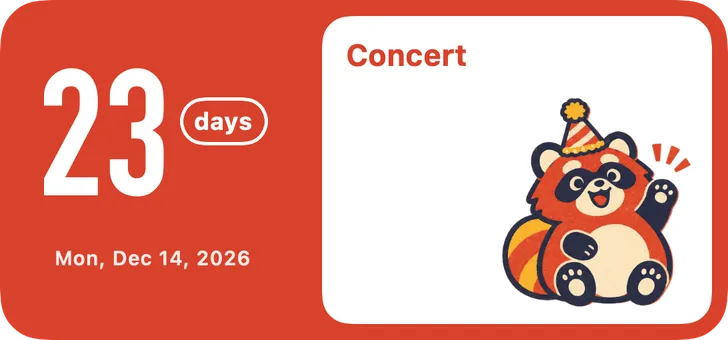
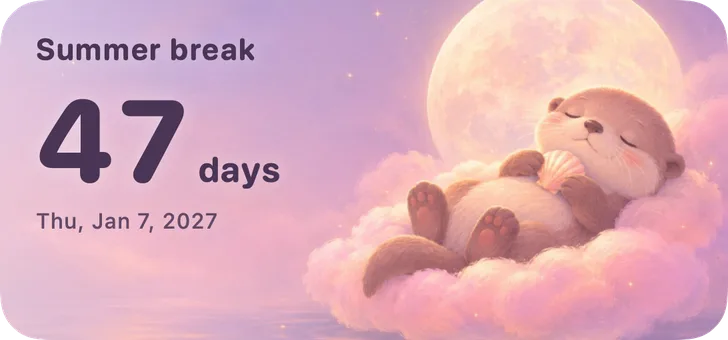
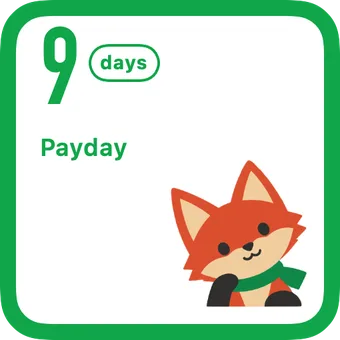
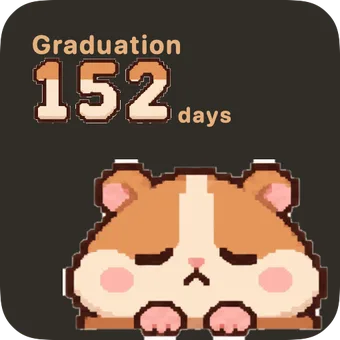
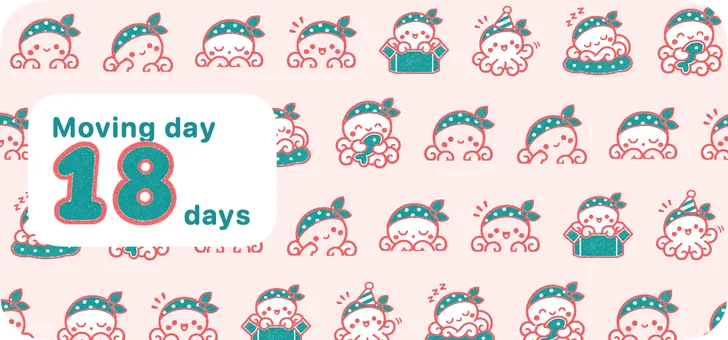
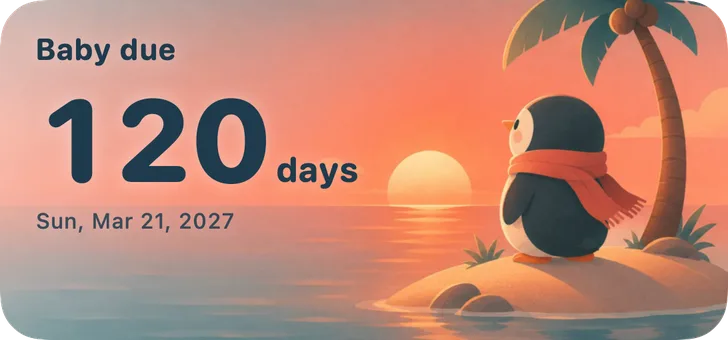
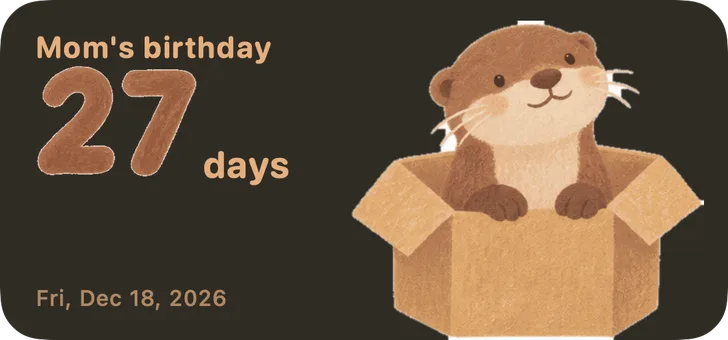
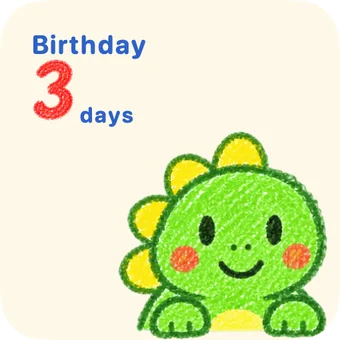
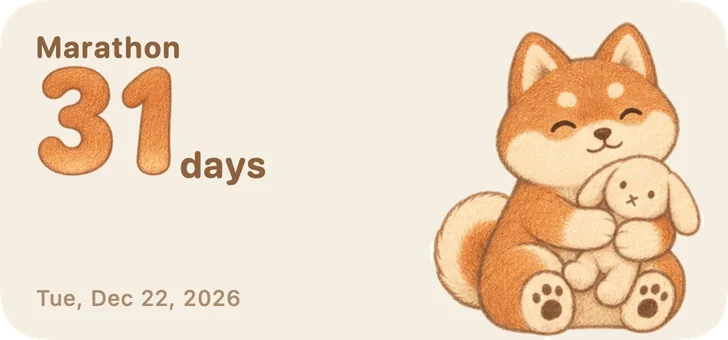
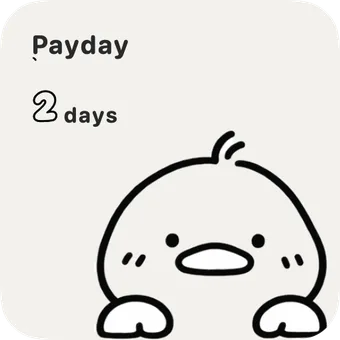
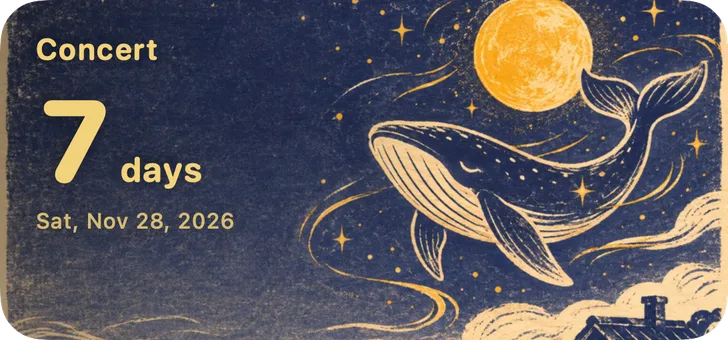
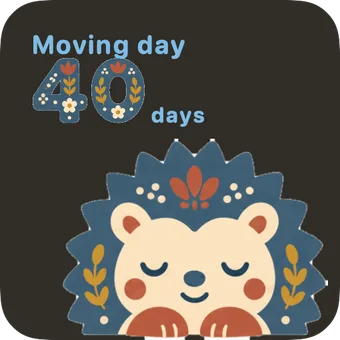
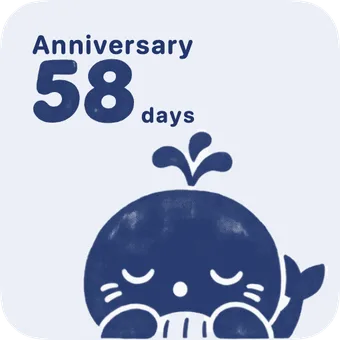
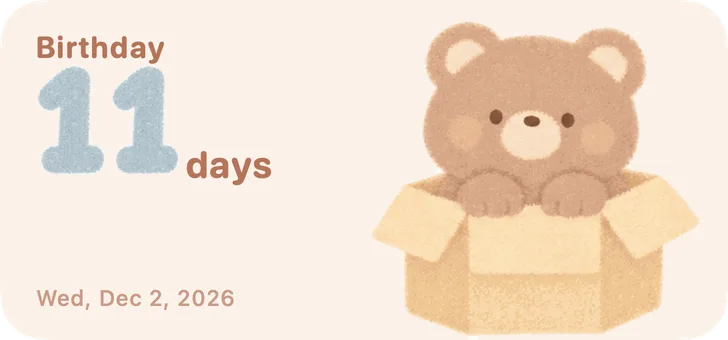
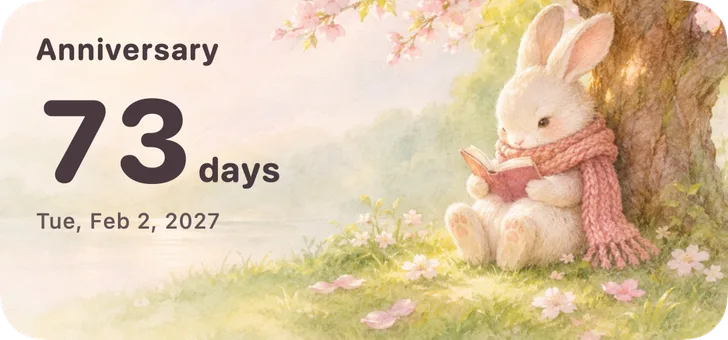
Every tile is drawn by the real Pandays widget code. A few are in dark mode.
Make your own
In Pandays, a set of pictures of your own is called an “Artwork”. The hard part is already written as a prompt: you copy, paste and save the picture.
In “Create”, pick a style and tap “Make My Artwork in This Style”. Choose who the star is (a pet, you, a couple, family or a small object), then tap “Copy Prompt”.
Pandays opens ChatGPT or Gemini for you. Paste the prompt and attach a photo, and it draws one full picture. Without a photo, it draws the style's original character.
Save the picture and send it to Pandays. A sticker set is cut into 8 poses and the numbers 0 to 9 automatically; a single-picture style uses the whole image as the background. Then drag, zoom, and change the layout and colors in the editor.


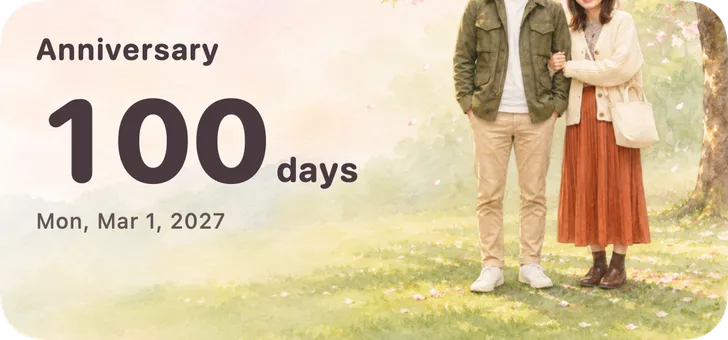
You can also skip AI: import one of your own photos or illustrations and use it as the background.
Poses change
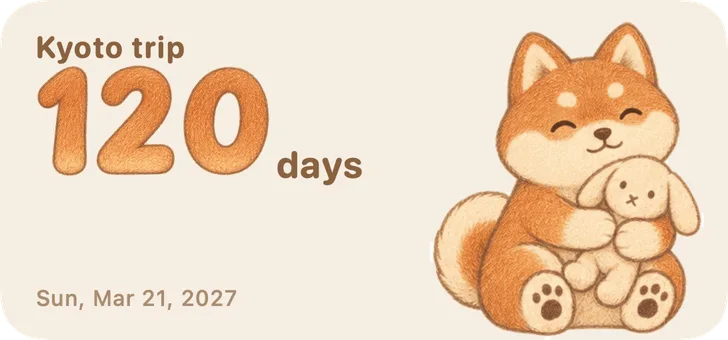
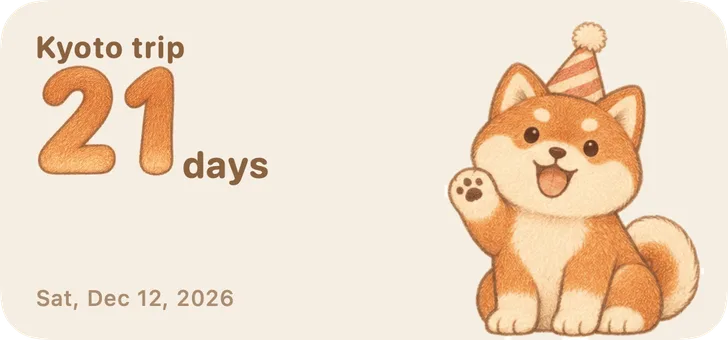
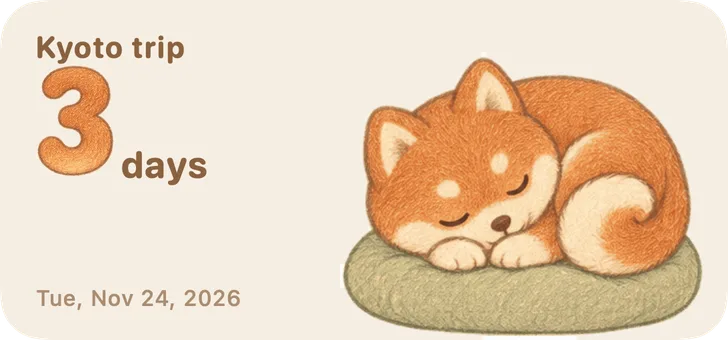
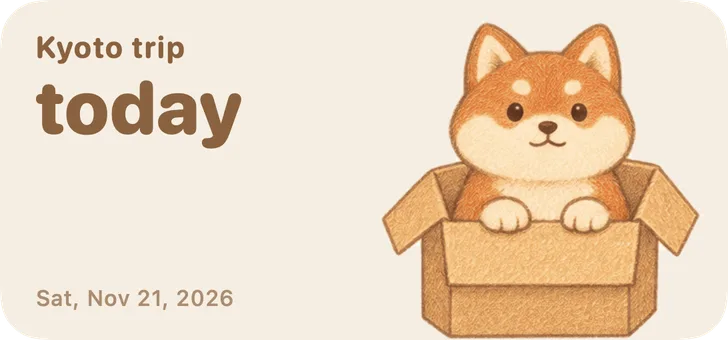
The 8 poses of a sticker set cover four stages. The widget updates the count and the pose by itself every day.
Where it goes
Small and medium sizes, plus a list of three days and a month calendar.
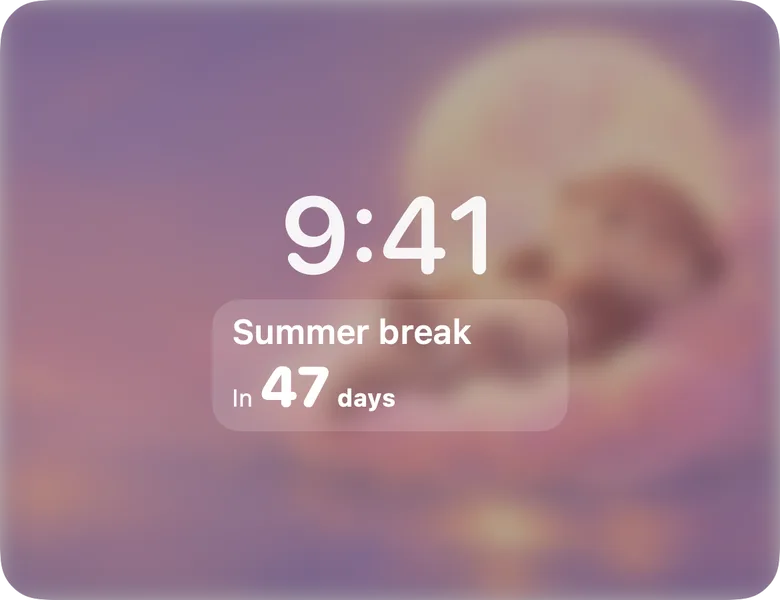
From iOS 16, see how many days are left before you even unlock.
A Watch app of its own, and complications for your watch face.
Stand an old iPad or iPhone on your desk as a countdown frame. It cycles through your upcoming days and dims late at night.
Days and artworks follow your Apple Account and sync across iPhone, iPad and Apple Watch.
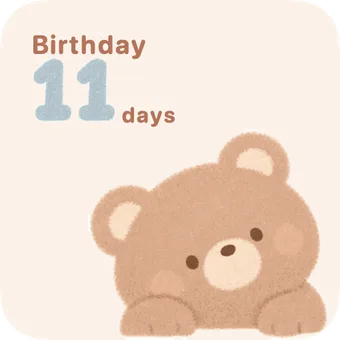
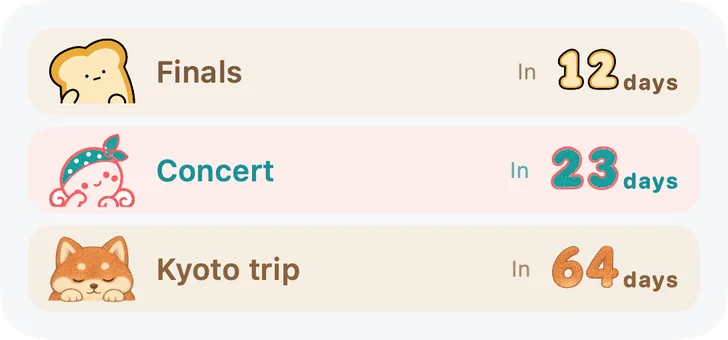
Count down or up
Price
Pandays is free, with every feature and no limit on days or artworks. The app shows ads; if you’d rather not see them, you can remove them with a one-time purchase in Settings. It’s not a subscription.
Coming soon to the App Store
No. The 21 built-in styles work right away. To make your own, you only need to copy and paste: Pandays gives you the prompt, you paste it into ChatGPT or Gemini, save the picture and bring it back.
You use your own account. How many pictures you can make and how fast depends on their current plans; Pandays doesn't charge for that part.
Pandays never sends your photos to us or to any AI. You make the picture yourself in ChatGPT or Gemini, and their privacy policies apply there.
In the artwork editor you can delete a bad sticker, add one of your own, or use the whole image as a single picture.
iPhone and iPad (iOS and iPadOS 15 or later) and Apple Watch (watchOS 10 or later). Lock Screen widgets need iOS 16 or later.
Days and artworks live on your device and in your own iCloud. Sign in with the same Apple Account with iCloud on, and they sync over.
No. Every feature is free, and the app shows ads. To remove the ads, make a one-time purchase in Settings; it’s not a subscription. On a new device, use the same Apple Account and tap “Restore Purchase”.
Coming soon to the App Store
Help and questions