 Parroting
 Scan with your iPhone cameraParroting for iPhone · US$4.99 once

Checked on October 31, 2026. Prices are in USD and change often; the vendors’ own pages are the final word. Parroting is my own app (I'm Sona Orbit, an independent developer building it on my own) and is built on the open-source Handy. For the other tools I only state what their official sources say, with a link for each claim.
1. Quick picks
- Free, no account: macOS Dictation, Handy, Parroting.
- Your voice stays on your Mac: Handy, VoiceInk, Superwhisper, OpenWhispr and Parroting with local models. Note that macOS Dictation does not process every language on-device.
- Also need Windows or a phone: Typeless, Wispr Flow, Superwhisper, OpenWhispr.
- Pay once: VoiceInk (from $25), Superwhisper Lifetime ($249.99).
- Chinese, especially Traditional Chinese: Parroting converts to Traditional (Taiwan) or Simplified. The others don’t document their Traditional output, and Whisper-style models sometimes mix in Simplified characters, so test first.
- Polished text with no setup (filler removal, formatting): Typeless and Wispr Flow do it in their cloud; Superwhisper, Handy and Parroting use an AI service you connect.
2. Comparison table
| App | Platforms | Free plan | Paid (USD) | Where speech is recognized | Traditional Chinese output | Open source |
|---|---|---|---|---|---|---|
| Typeless | Mac, Windows, Linux, iOS, Android | Weekly word limit (2,000/week per its own comparison table) | Pro $12/mo billed yearly, $30 billed monthly | Cloud | Taiwan/Hong Kong options (third-party reviews); some report stray Simplified characters | No |
| Wispr Flow | Mac, Windows, iPhone, Android | 2,000 words/week on desktop, less on mobile | Pro $15/mo or $144/yr | Cloud | Not documented | No |
| Superwhisper | Mac, Windows, iOS, Android | Unlimited local Whisper models; Pro features free for the first 3,000 words | $8.49/mo, $84.99/yr, $249.99 lifetime | On-device or cloud | Not documented | No |
| VoiceInk | Mac (Apple silicon) | Free trial | One-time from $25 | On-device | Not documented | Yes (GPL-3.0) |
| Handy | Mac, Windows, Linux | Completely free | — | On-device | Not documented | Yes (MIT) |
| OpenWhispr | Mac, Windows, Linux | Unlimited local models; unlimited cloud with your own key | Pro $80/yr | On-device or cloud | Not documented | Yes (MIT) |
| macOS Dictation | Built into Mac | Free | — | On-device for some languages only | Supports Mandarin (Taiwan) | No |
| Parroting | Mac (Apple silicon, macOS 11+) | Completely free | — | On-device | Built-in Traditional (Taiwan) and Simplified conversion | No (built on open-source Handy) |
3. Typeless today: price and the privacy debate
Typeless runs on Mac, Windows, Linux, iOS and Android. It removes filler words, catches mid-sentence corrections, formats lists, adapts tone per app, translates, and has a personal dictionary. Its pricing page lists Pro at $12 per member per month billed yearly, or $30 billed monthly. The free plan says only “Limited words”; the comparison section on the same page says 2,000 words a week, plus a 3-day Pro trial for new users.
The debate people search for happened in February 2026. A Japanese engineer and the Taiwanese developer Jason Chien published separate analyses. They found no on-device speech recognition (audio goes to its servers), a local database that stores visited URLs, and declared permissions beyond the microphone. Both said keylogging was only technically possible and that they did not see it happen (KOCPC summary). Typeless has not published a full technical response on its site; a creator relayed its statement that the claims were wrong and that the app asks only for microphone and Accessibility access.
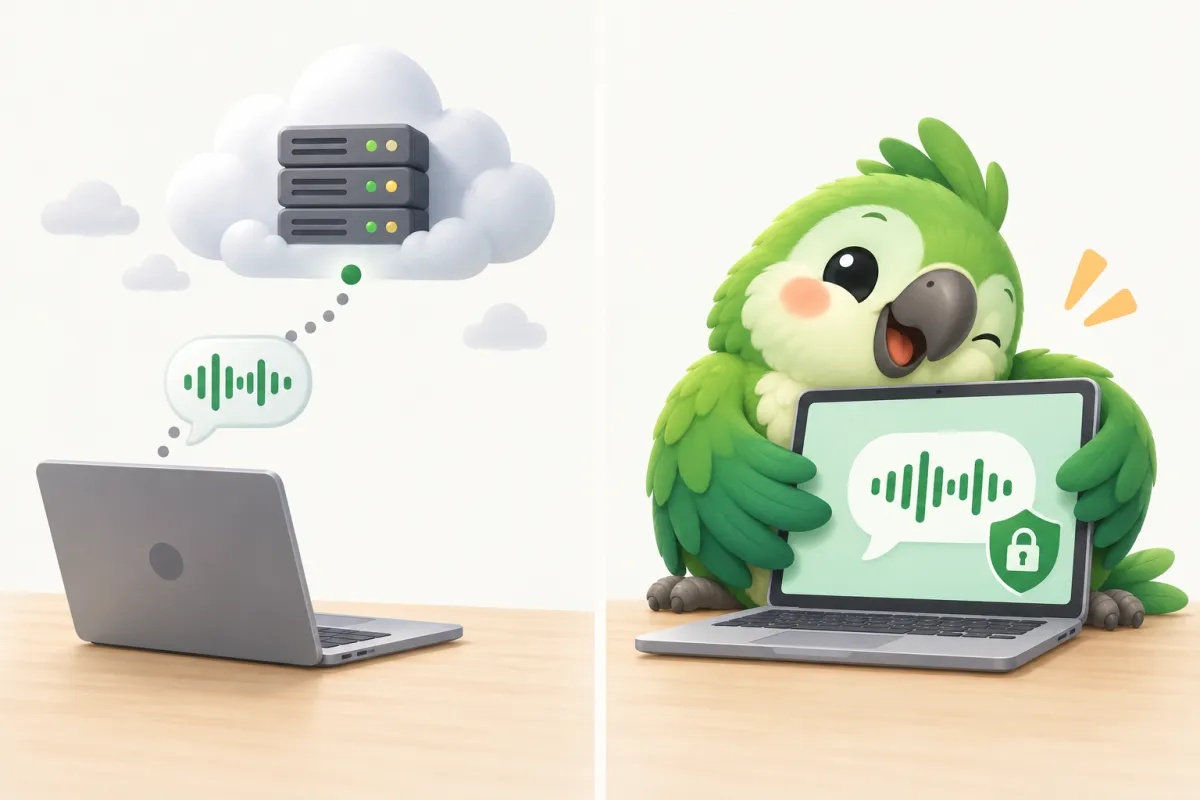
Its current privacy policy (updated 2026-10-13) says audio is processed in real time on its cloud servers with zero retention of voice and context data, that it reads the app you are using and relevant text in it, and that it uses cloud AI providers including Microsoft and Google. If you dictate client, patient or confidential material, check whether that fits your rules.
4. Wispr Flow: the closest match
Wispr Flow is the closest to Typeless: filler removal, punctuation, corrections, per-app styles, and a dictionary that learns your words. Its privacy page says transcription always happens in the cloud, with a toggle to stop helping improve the model. Free is 2,000 words a week on desktop; Pro is $15/month or $144/year.
5. Superwhisper: local models and custom modes
Superwhisper can run local models, in which case “your audio and transcripts never leave your device”, or use its cloud or your own API key. The free plan includes unlimited local Whisper models. Pro ($8.49/month, $84.99/year or $249.99 lifetime) adds your own AI keys, translation into English and file transcription. It notes that offline models run best on Apple silicon.
6. VoiceInk: open source, pay once
VoiceInk is Mac-only and transcribes on-device. It switches modes by app or URL, can read on-screen context, and has a personal dictionary. Licences are one-time: $25 for 1 Mac, $39 for 2, $49 for 3, with a 14-day refund. The code is open source under GPL-3.0. It needs a recent macOS (14.4+ on the website, 15+ on GitHub).
7. Handy and OpenWhispr: free and open source
Handy is free, MIT-licensed and fully offline on Mac, Windows and Linux: press a shortcut, talk, and it pastes into the app you are using. It deliberately does one job; for cleanup you can connect an AI provider of your choice. Parroting is built on Handy.
OpenWhispr is also MIT-licensed, with unlimited local models, unlimited cloud use with your own key, AI cleanup and a dictionary that learns from corrections. Its own cloud gives 2,000 free words a week; Pro is $80/year.
8. macOS Dictation: try this first
It is built in, free, has no time limit and works anywhere you can type (Apple Support). Two caveats: Apple’s feature list shows that not every language is processed on-device (Mandarin for Taiwan, for example, is not), and the on-device spelling and punctuation clean-up is English only. It does not remove filler words, rewrite or translate.
9. Parroting: who it’s for
Parroting is free Mac dictation: hold Right Option + Right Command, talk, and release to paste at your cursor. Speech is recognized on your Mac (local models such as SenseVoice, Qwen3-ASR and Breeze-ASR), punctuation is added automatically, and Chinese can be converted to Traditional (Taiwan) or Simplified. Tone reminders before you send come from a small model that runs on your Mac, and your dictionary and personal training stay on your Mac too.
Good fit: you want it free, without an account, with your voice staying on your Mac, often mixing Chinese and English, and you want it to learn your words and sense of tone over time.
Not a fit: you need Windows or a phone (today it is Mac only, Apple silicon), or you want cloud AI cleanup with zero setup (AI cleanup and rewriting use a service you connect, such as a free Gemini key or Apple Intelligence).
10. FAQ
Does Typeless have a free plan?
Yes. The free plan has a weekly word limit, 2,000 words per its own comparison table, and new users get a 3-day Pro trial.
Is there a free Typeless alternative with no account?
macOS Dictation, Handy and Parroting are free and need no account.
Which apps keep my voice on my Mac?
With local models, Handy, VoiceInk, Superwhisper, OpenWhispr and Parroting recognize speech on your Mac. Typeless and Wispr Flow state that recognition happens in the cloud.
Is Typeless safe?
Its policy says audio is processed in the cloud with zero retention of voice and context data. Two third-party analyses in February 2026 raised concerns about permissions and local records but did not observe keylogging. Whether it fits you depends on how sensitive your dictation is.
Which is best for Chinese?
Parroting documents Traditional (Taiwan) and Simplified output, and macOS Dictation supports Mandarin (Taiwan) and (China mainland). The others don’t document their Chinese output, so test with sentences you actually say.