 Guomu

I'm Sona Orbit, the solo developer who makes Guomu. What I say about iOS follows Apple's developer documentation. What I say about Guomu follows this site's help pages and app version 1.0.2 (checked in November 2026).
1. Why a .md file shows only symbols on iPhone
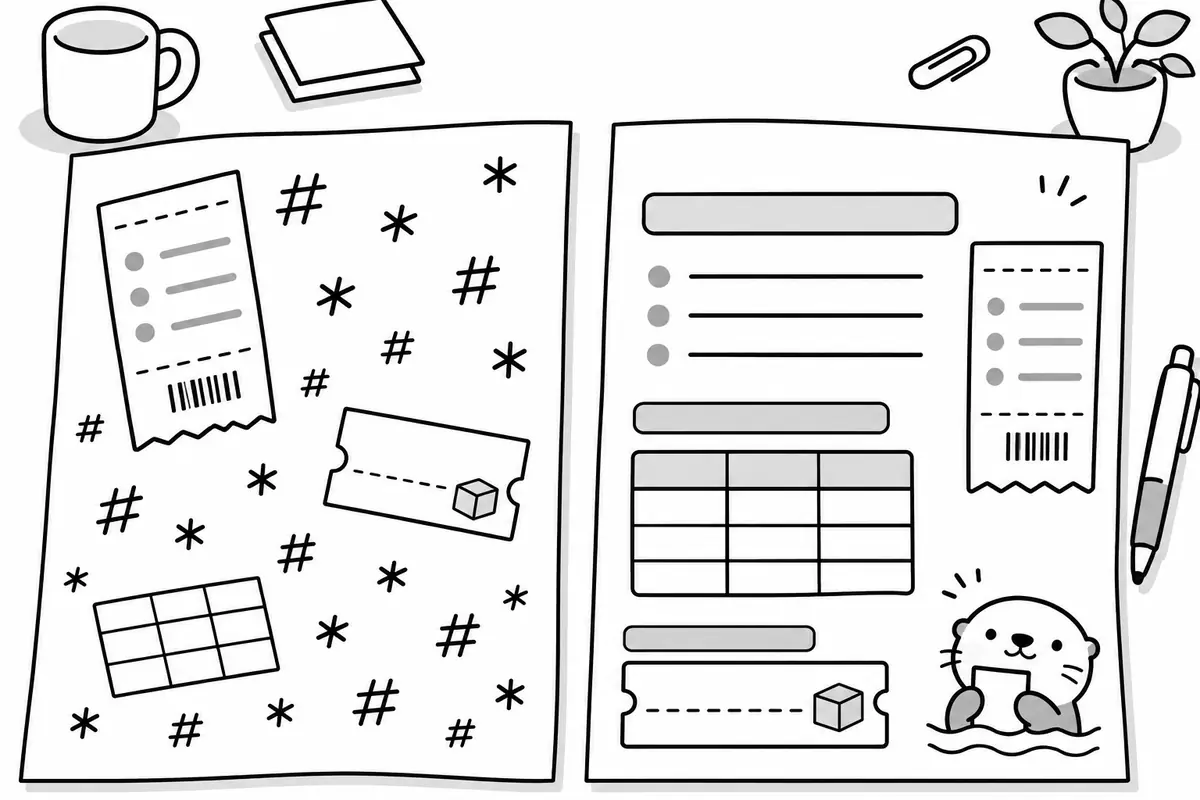
Markdown is plain text that marks formatting with symbols. One # makes a big heading. Text wrapped in two * is bold. A few lines separated by | form a table. Some software has to "translate" those symbols into a layout before you see a tidy document.
When you tap a file in the Files app, Mail, or WhatsApp, iPhone uses its built-in Quick Look. Apple's developer documentation lists the formats it supports: iWork, Office, RTF, PDF, images, text files, CSV, and USDZ 3D models. Markdown is not on the list. A .md file is shown as text, so the symbols appear on screen exactly as written.
The file is not broken. Open it in an app that formats Markdown, and the content lays out as headings, lists, and tables.
2. Three ways to open it, and how they differ
| Method | What you see | Best for |
|---|---|---|
| Tap it in the Files app | Raw symbols (# and *) | Just checking what words are inside |
| A Markdown notes app (for example Obsidian) | A formatted page, and you can edit | Writing and organizing your own Markdown notes long term |
| A file preview app (for example Guomu) | A formatted page with a contents list and search | Files sent by other people or by AI, to read and leave notes on |
Obsidian's website says the iOS version is free and needs no sign-up. It suits people who already write Markdown notes. If you only now and then get meeting minutes from a coworker or a report made by AI, and you don't want to sort out a notes vault just to read one file, a preview app is less work. Below I use Guomu, which I make, as the example.
3. Open a .md file with Guomu
Guomu is a file preview app for iPhone. It needs iOS 18 or later and is free to download. It works the same way no matter where the file comes from:
- In WhatsApp, LINE, Mail, Safari, Files, or an AI app, tap Share on the .md file.
- In the app row of the share sheet, pick Guomu. If you don't see it, swipe to the far right, tap “More”, and add Guomu.
- Tap “Accept”.
- Open Guomu and tap that delivery. The formatted document opens full screen.
If the file is already in the Files app, you can also tap “+ Import” in Guomu and pick it directly.
Headings, bold text, bullet lists, tables, quotes, code blocks, and checklists are all laid out. Dark mode has matching colors.

4. Reading long documents: contents, search, larger text
Guomu opens Markdown full screen by default. Tap the square button at the bottom right to bring up the title bar and tools.
- Contents: the top of the document lists every large, medium, and small heading. Tap one to jump to that section.
- Search: tap the magnifying glass at the top right and type a keyword.
- Larger text, Smaller text: in the “⋯” menu at the top right. Use them when the text is too small.
- View source: also in “⋯”. Switch back to the original text with # and *. Tap “Show preview” to return to the formatted page.
5. Fix a small thing or ask someone to revise it
For small fixes like a typo, tap “⋯” and choose “Edit working copy” to change it right there. You are editing the copy inside Guomu. Use “Share this file” to send it out.
For changes you want a coworker or an AI to make, add a note on that delivery. Say where the problem is and what it should become. When you finish reading, use the “Return slip” to turn your notes into one block of text, then paste it back and ask them to revise. I wrote up how to word notes so they get fixed right the first time in this article. The full review process is in another one.
6. What it can't do
So that files from unknown sources are safe to open, Guomu has a few limits when it formats Markdown:
- Images with a web address (starting with https) are not loaded.
- Web scripts, embedded frames, and forms inside the Markdown are removed.
- Mermaid diagrams and math formulas show as original text in a code block. They are not drawn as graphics.
The free version keeps up to 10 deliveries and shows a banner ad. Pro has no limit on deliveries and no ads. Your files stay in your own iCloud Drive or on your phone. They are not sent to my server. See the privacy policy for details.
7. FAQ
Does iPhone have a built-in Markdown reader?
No. The built-in Quick Look treats .md as a plain text file and shows the raw # and * symbols. To see the formatting, you need to install an app that formats Markdown.
How do I read a .md file someone sent me in a chat app on iPhone?
Open the file in the chat, tap Share, and pick an app that formats Markdown, such as Guomu. After you tap “Accept”, open Guomu and you will see the formatted headings and tables.
Can I see the original Markdown text when I open a .md file in Guomu?
Yes. Tap “⋯” at the top right and choose “View source” to see the original text. Tap “Show preview” to go back to the formatted page.
Why don't the images in my .md file show up?
Guomu does not load web images that start with https. This keeps files from unknown sources safe to open. Text, tables, and lists are not affected.