 Parroting
 iPhone · iOS 26 or later
iPhone guide
Set it up once, in about three minutes. Then tap the mic in any text field and talk; when you’re done, it’s pasted.
On a Mac? See the Mac guide →First-time setup
The first time you open Parroting, it walks you through these same three steps.
Download it and open Parroting once
It asks for the microphone, has you try a sentence, then turns on the keyboard. Follow along and you’re set.
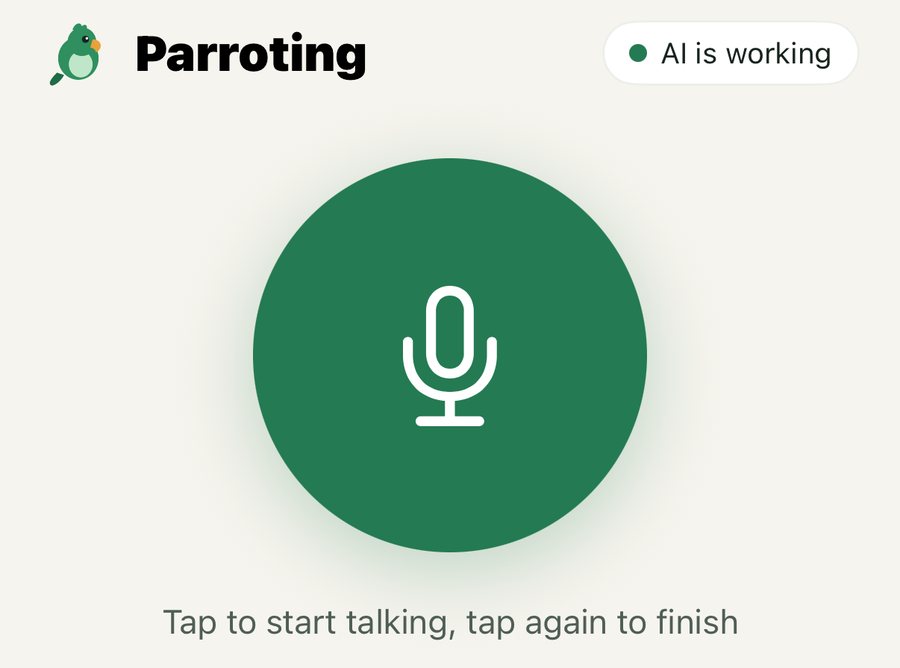

Turn on the Parroting keyboard
In Parroting, tap “Go to Settings”. It opens Parroting’s own page in iPhone Settings; tap “Keyboards”.
Or by hand: Settings › General › Keyboard › Keyboards › Add New Keyboard › Parroting.
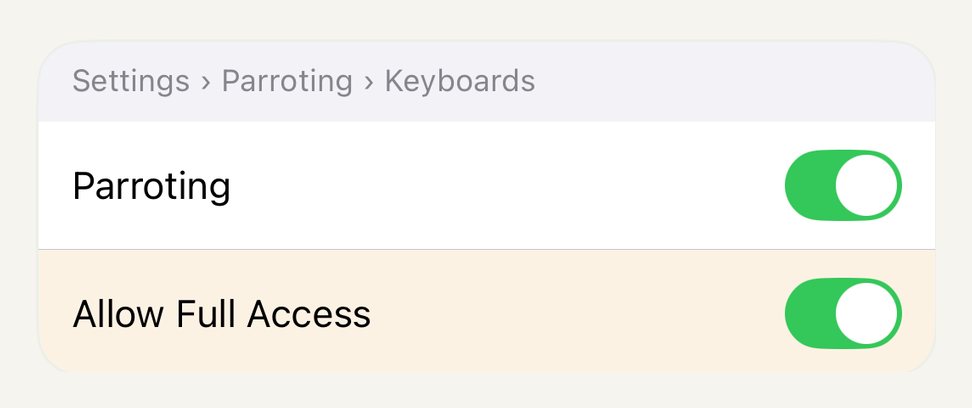
Turn on “Allow Full Access”
On the “Keyboards” page, turn on both “Parroting” and “Allow Full Access”. The keyboard needs it to talk to the app and put text in the field; what you type is never collected.
Talk instead of typing
Messages, Mail, WhatsApp: it works the same anywhere there’s a text field.
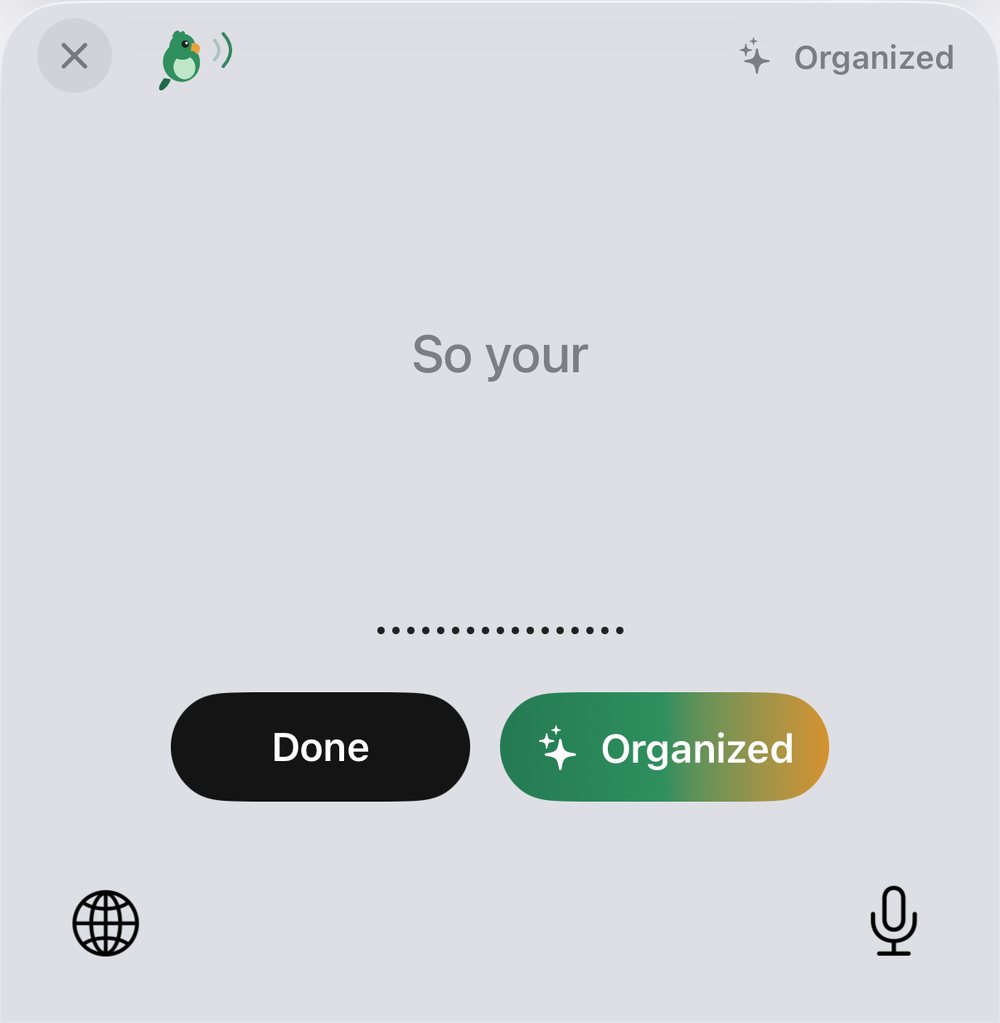
The first tap on the mic jumps to Parroting
Parroting turns on the microphone. Tap “◀” at the top left to go back to your app and keep talking, then tap “Done” on the keyboard. Tap the mic again within the Standby time and it won’t jump.
“Um, so tomorrow’s 3 pm team meeting moves to 4, okay, and, like, same room”
Pasted into the fieldTomorrow’s 3 pm team meeting moves to 4, same room.
)))…✓!zOn “Problem”, an orange line on the keyboard says what’s wrong; tap it to open Parroting’s AI settings. “Asleep” means the mic isn’t on standby, so the next tap on the mic jumps to Parroting first.
The keys
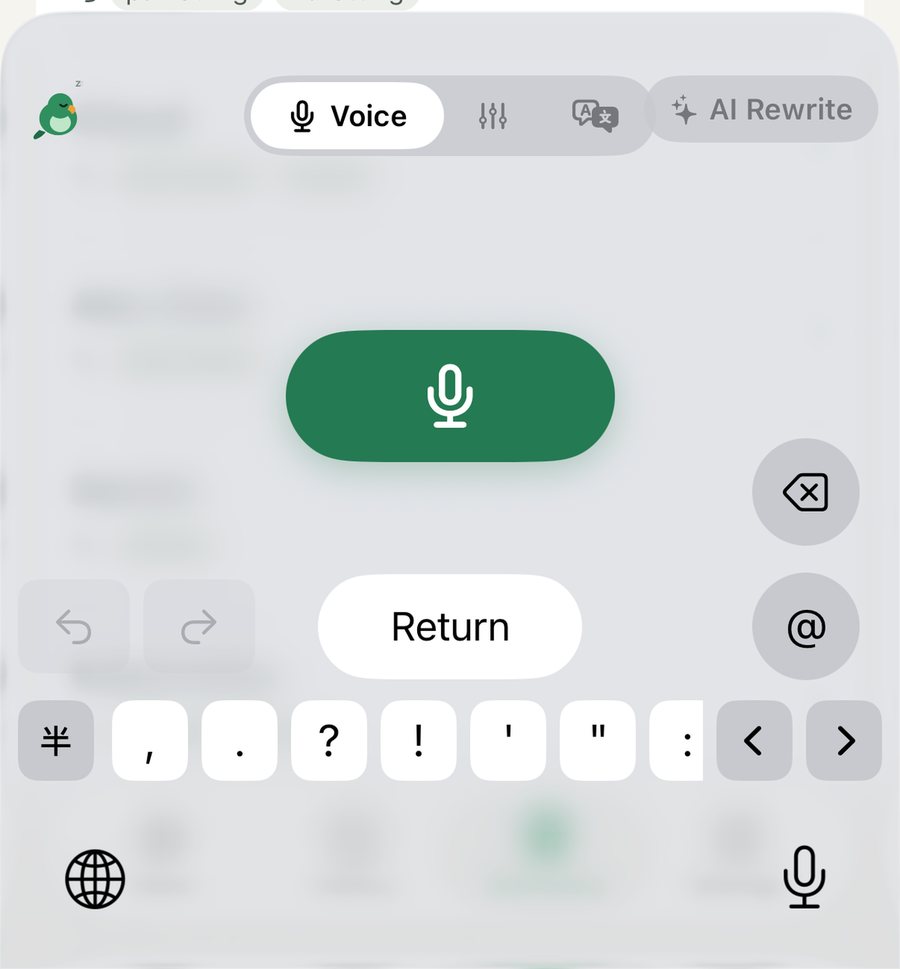
Parroting is voice only; it has no letter keys. To type, tap the globe key to switch back to an Apple keyboard.
Rewrite & translate
The result replaces the text in the field; there’s no separate preview.
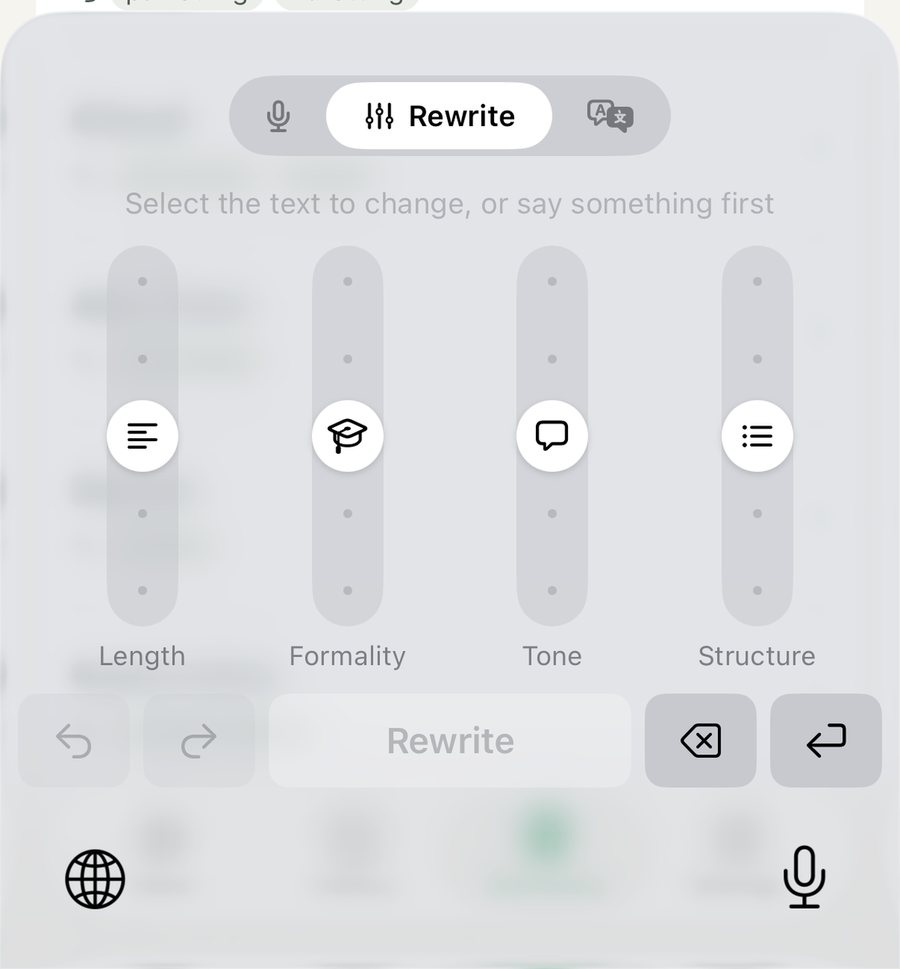
Set the sliders, tap “Rewrite”
- 1Select the text to change (or the take you just said) and switch to the “Rewrite” page.
- 2Set the four sliders: length, formality, tone and structure.
- 3Tap the big “Rewrite” button below; the result replaces the text in the field.
Moving a slider changes nothing until you tap “Rewrite”. When it’s swapped in, the keyboard flashes and taps lightly; to mark the changed words in the field too, turn on “Mark changed text in the field” under Settings › Keyboard (experimental). Japanese or English stays in its own language. With nothing selected, the big key is “Talk”: say it first, then rewrite. To adjust, set the sliders and tap it again; not happy, tap ↶ to get the original back.
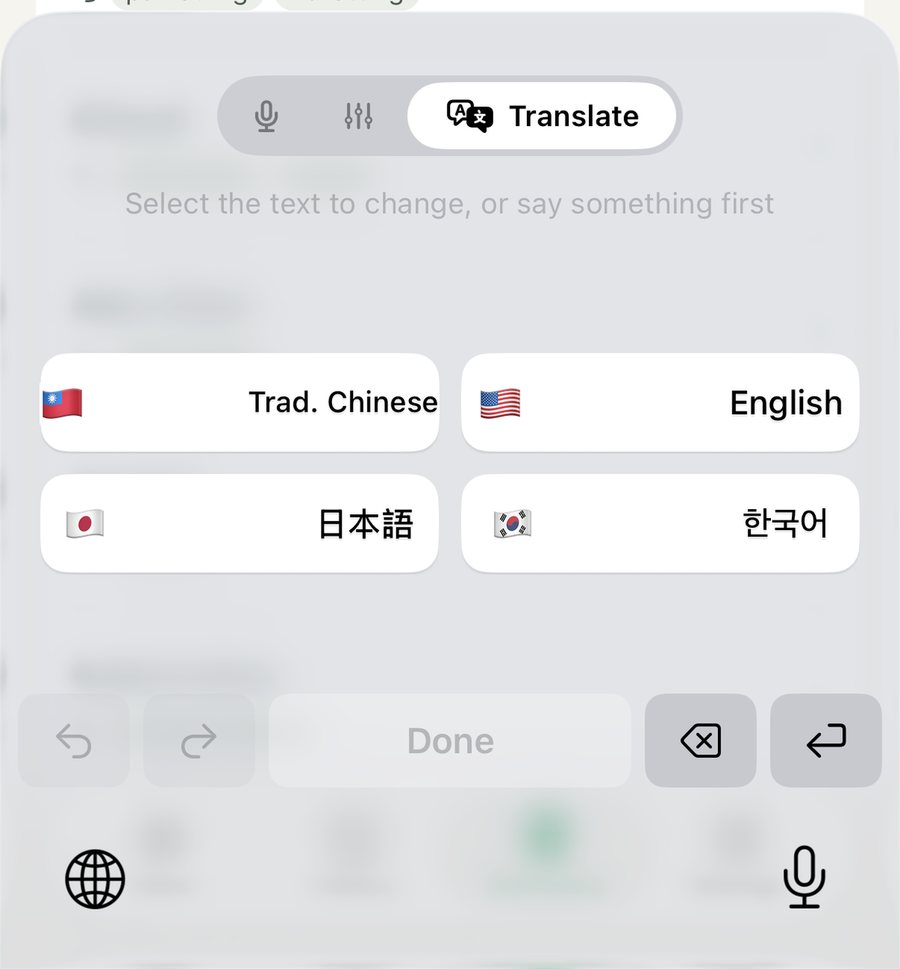
Tap a language, get the translation
- 1Select the text to translate (or the take you just said) and switch to the “Translate” page.
- 2Tap a language; the translation replaces the text in the field.
- 3To get the original back, tap ↶.

Dictionary and suggestions
With iCloud Drive on, the dictionary is shared with the Mac.
Add the words it keeps mishearing
Add names, products and terms to the Dictionary; recognition and the AI will prefer your spelling.
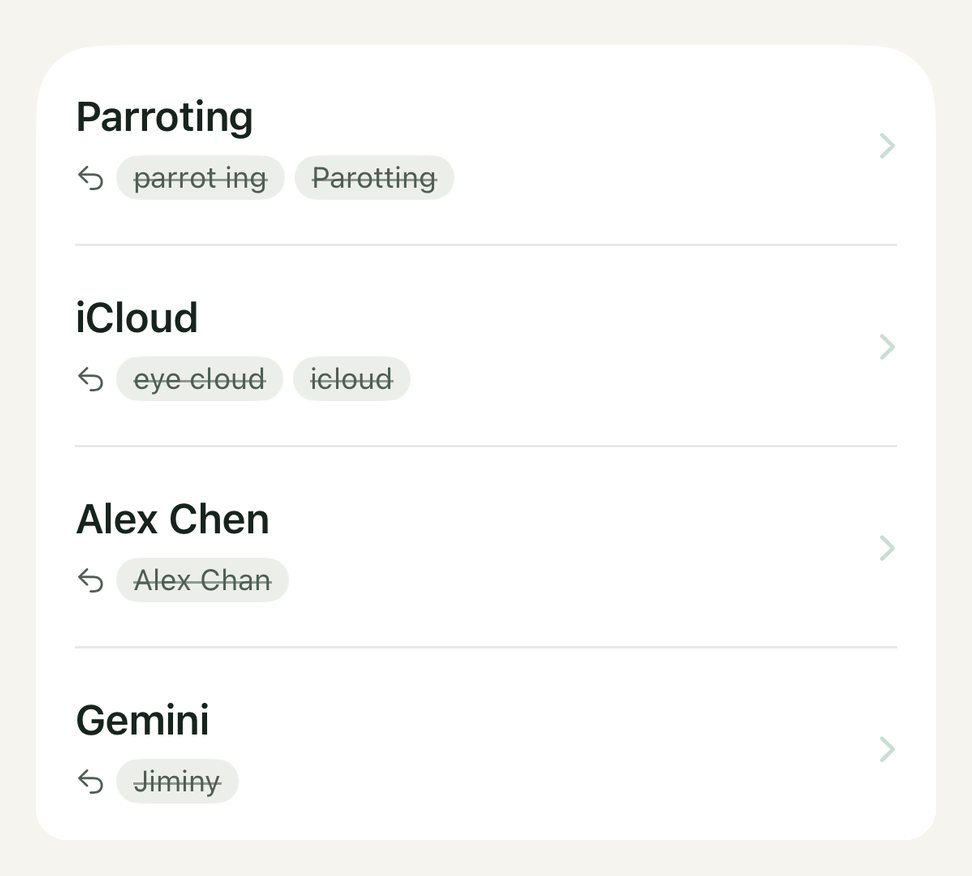
Or let your fixes become suggestions
They build up as you use it.Not now? Close it and it stays away for a week.
Settings
With iCloud Drive, the dictionary, rewrite formats, My info and text history are shared with the Mac.
AI source
Apple built-in: uses Apple Intelligence on your iPhone. Free, works offline, and text never leaves your phone.
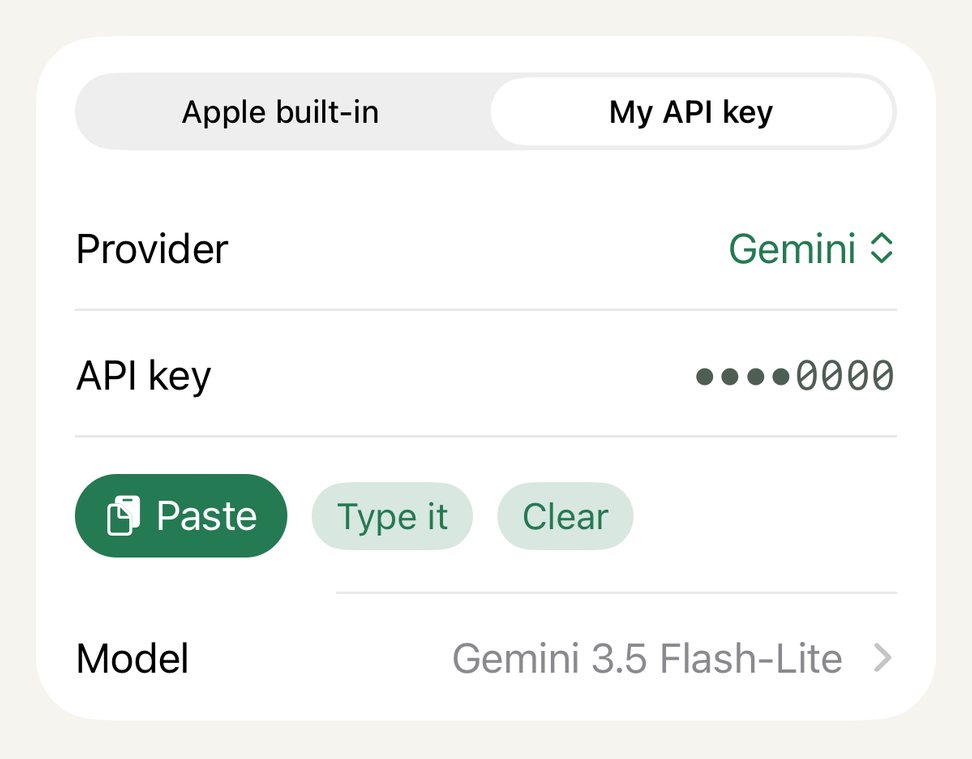
My API key: pick an AI service (Gemini, OpenAI, Claude, OpenRouter, Groq, DeepSeek, Qwen, Kimi, Zhipu GLM, or a custom address) and paste its key; for the steps, tap “How to get a … API key?” in Settings. Text goes straight from your phone to the service you pick, never through Parroting.
History
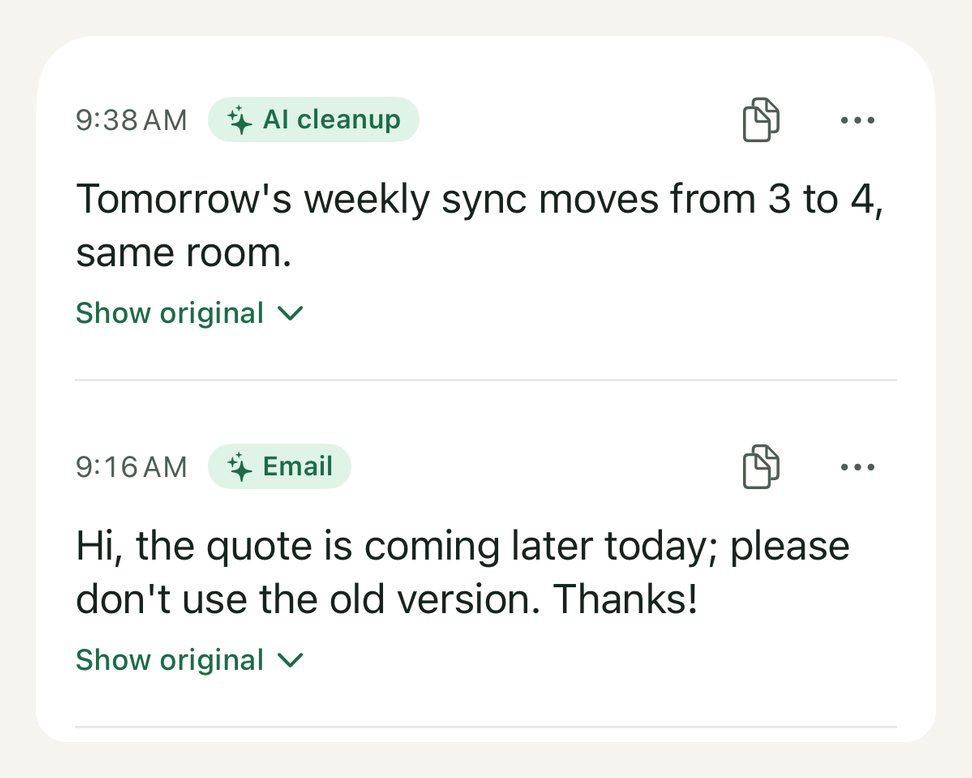
The “History” tab at the bottom keeps every sentence. Search it, and see the original before cleanup.
Rewrite formats
Edit or delete any of the four built-in formats (deleted ones can be added back), or add your own. In “Compare formats”, say something once and see what each format makes of it; ticked formats appear on the keyboard. Shared with the Mac.
Fun reports
A weekly report every Monday and a monthly one on the 1st: how much you said, your favorite filler words, words often misheard, the formats you used. With AI set up, it adds what you talked about, a line worth keeping and a free-form note. When one is ready, the bird on the keyboard gets a purple dot. It covers only what you said on this iPhone.
Recognition language
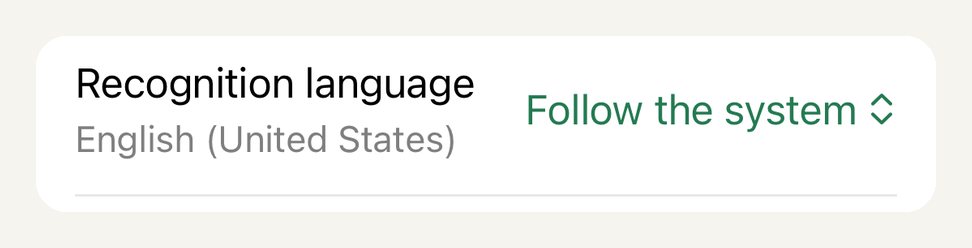
Follows the system by default. Change it here when you speak another language.
My info
Fill in your name and title once; the Email format adds them for you.

Something wrong?
Tell us right in the app.
If you get stuck
Most problems are one of these four.
Parroting isn’t there when you tap the globe key
Go back to step 2 of First-time setup and check that Parroting was added under “Add New Keyboard”.
The mic does nothing, or keeps jumping to the app
Check that “Allow Full Access” is on. The first tap jumping to Parroting is normal: tap “◀” at the top left to go back and keep talking. Within the standby time it won’t jump again. Set it in Parroting under Settings › Standby; with “Off” it jumps every time.
Password fields switch to the Apple keyboard
That’s an iOS rule for every third-party keyboard.
The bird shows “Problem”
An orange line on the keyboard says what’s wrong (for example a wrong API key or a used-up quota). Tap it to open Parroting’s AI settings and fix it there.