





Fudebo
English

こんにちはI’m Fudebo. Let’s start with「あ」. Watch me write it first.

Fudebo: Write Kana from MemoryiPhone app for kana handwriting

See the reading.Write the kana with your finger.

Fudebo is only for handwriting. Each new character starts with a short lesson and works up to writing it from memory. After that you get the sound or the romaji, you write from memory, and the app checks it stroke by stroke.

  • Daily amount you set, about 10 minutes by default
  • No account
  • Works offline
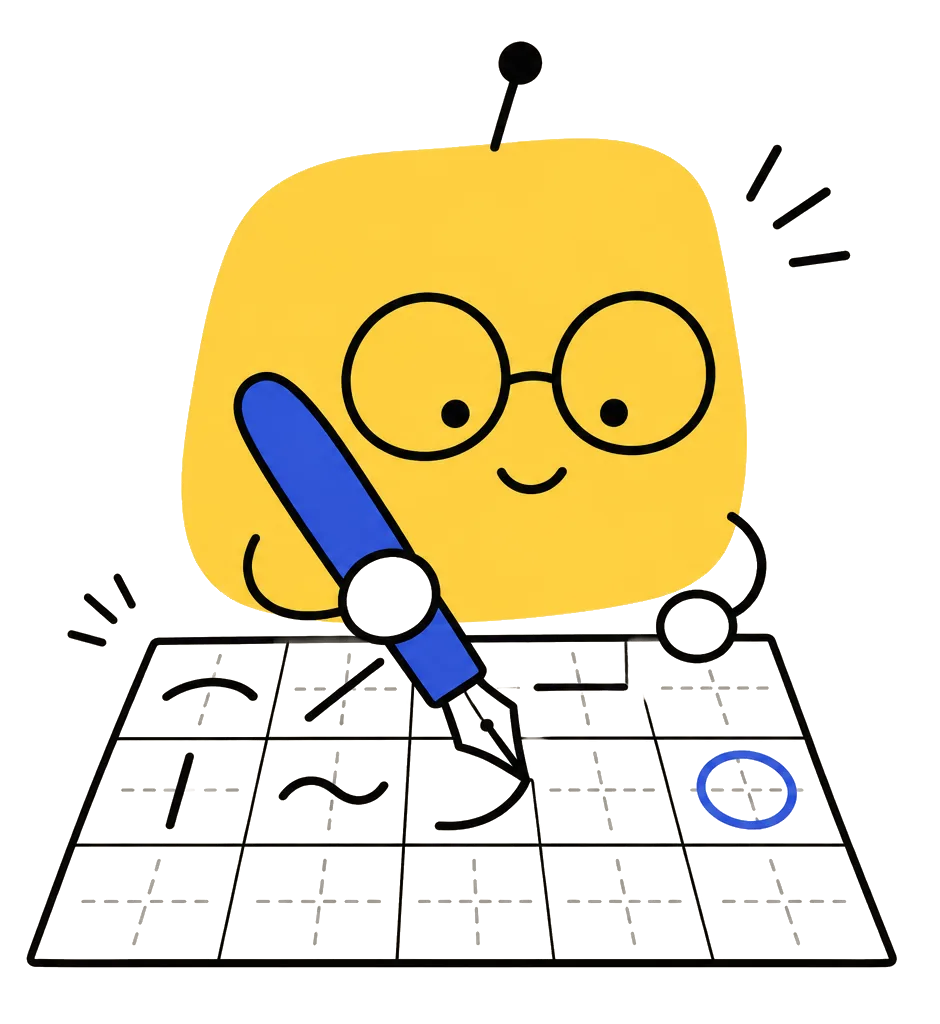
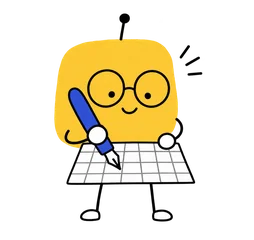
A yellow block robot with round glasses writing with a fountain pen on a grid of practice squares

Why Fudebo has you write from memory

  1. Recalling beats rereading: a week later, students who practiced recalling remembered 61%, those who reread 40% (Roediger & Karpicke, 2006). Fudebo gives only the sound; you write the kana yourself.

    Remembered a week later (Roediger & Karpicke, 2006)
    Recalled61%
    Reread40%
  2. Handwriting helps you learn new letters faster: adults learning Arabic letters by hand needed the fewest training sessions and read words better, even without practicing that (Wiley & Rapp, 2021). Fudebo is handwriting only.

  3. Spaced practice lasts longer than cramming: in a meta-analysis, spaced practice averaged 47% correct and massed practice 37% (Cepeda et al., 2006). Missed kana come back the next day, and the gap grows when you get them right.

  4. Look-alike kana are practiced side by side so you learn to tell them apart (Kornell & Bjork, 2008), and a kana counts as learned only after 3 correct in a row (Rawson & Dunlosky, 2011).

References

  1. Roediger, H. L., & Karpicke, J. D. (2006). Test-enhanced learning: Taking memory tests improves long-term retention. Psychological Science, 17(3), 249–255. doi.org/10.1111/j.1467-9280.2006.01693.x
  2. Wiley, R. W., & Rapp, B. (2021). The effects of handwriting experience on literacy learning. Psychological Science, 32(7), 1086–1103. doi.org/10.1177/0956797621993111
  3. Cepeda, N. J., Pashler, H., Vul, E., Wixted, J. T., & Rohrer, D. (2006). Distributed practice in verbal recall tasks: A review and quantitative synthesis. Psychological Bulletin, 132(3), 354–380. doi.org/10.1037/0033-2909.132.3.354
  4. Kornell, N., & Bjork, R. A. (2008). Learning concepts and categories: Is spacing the "enemy of induction"? Psychological Science, 19(6), 585–592. doi.org/10.1111/j.1467-9280.2008.02127.x
  5. Rawson, K. A., & Dunlosky, J. (2011). Optimizing schedules of retrieval practice for durable and efficient learning: How much is enough? Journal of Experimental Psychology: General, 140(3), 283–302. doi.org/10.1037/a0023956

Try it

Write one from memory

Listen to the sound, look at the romaji and write the kana in the grid, with your finger or a mouse. This page uses the same stroke check as the app. Get five right and you are done.

Character and stroke data: KanjiVG, CC BY-SA 3.0

When a stroke is wrong

The wrong stroke is marked in red

After each character, Fudebo looks at four things: the number of strokes, their order, the direction of each stroke, and its shape and position.

If a stroke is off, that stroke turns red and the correct stroke order plays. You trace the character once, then write it again on your own. If you wrote a similar-looking character instead, the app tells you which one.

Stuck? “Hint one stroke” draws only the next stroke.

Hints you will see in the app

  • Missing stroke: this character has 3 strokes
  • Stroke 2 goes the wrong way
  • Wrong stroke order: another stroke comes before stroke 3
  • You wrote “ち” instead of “さ”
a123
▲ あ has 3 strokes. Fudebo checks each stroke you write against this order and direction.Character and stroke data: KanjiVG, CC BY-SA 3.0

Lessons

New characters are taught before you write them

The first time you open the app there are 4 intro lessons: what kana are, how to read the chart (rows are consonants, columns are vowels), the three basics of writing (top to bottom, left to right, and tome, hane and harai stroke endings), and how to practise. You can watch them again any time.

Each new row starts with a short lesson: hear the whole row, see its pattern and what to watch out for. Dakuon, handakuon and yōon start with the rule and pairs of words that show the difference.

Every new character has a lesson card

  • Stroke order animation
  • Pronunciation tip
  • Writing points
  • Origin, for example あ comes from 安
  • Characters it is easy to confuse with
  • Example words

After the card, you write it three times

  1. Trace it

    The full character is in the grid. Trace it in stroke order.

  2. Follow the faint guide

    The character is now pale. Write over its shadow.

  3. Write it in an empty box

    Nothing in the grid but the reading. Write it from memory.

When a whole row is learned, its characters are shuffled and written from memory once more.

Practice settings

You decide how to practise

Change these in Settings; every page after that follows them.

Prompts
Write from romaji, write from the sound, see hiragana and write katakana (or the other way around), write words from their meaning. Pick several and they are mixed. The hiragana–katakana swap and words are Pro.
Hints
A faint guide every time, trace first and then remove it, or write from memory right away.
Memory writes
1 to 3 per new character.
Grading
Lenient, standard or strict, and whether a wrong stroke order counts as a mistake.
Grid
Cross grid, diagonal grid or no grid lines. Stroke numbers can be shown while tracing.
Daily amount
Today's page is counted in writes: 10 to 200 (in steps of 10), 40 writes or about 10 minutes by default. Tap the amount on the Today's Page card on the home screen and drag to change it. New characters come a whole row at a time by default, or 3 a day.

Review

Characters you miss come back the next day

A character you got wrong goes into tomorrow's page. One you got right comes back after a longer gap each time.

A new row opens when you remember nearly all of the row before (at most one not yet steady). Getting your reviews right can open it the same day.

There is no streak counter. Skip a few days, come back and carry on. Nothing is taken away.

Practice

Want to write more? Go to Practice

Practice has its own entry on the home screen, separate from Today's Page. Write for as long as you like.

Unlimited writing

First pick a scope: learned, frequently missed, one row, or your own choice. The characters keep coming round; a character counts as mastered and drops out once you write it correctly 3 times in a row without hints. A mistake resets it to zero, it comes back two or three characters later, and the next time starts with a faint guide. A row of small dots at the top shows each character's progress. Stop whenever you like; your progress goes into the review schedule.


Practice frequent mistakes

Picks the 8 characters you have missed most recently and starts Unlimited writing with them.

Look-alike showdown Pro

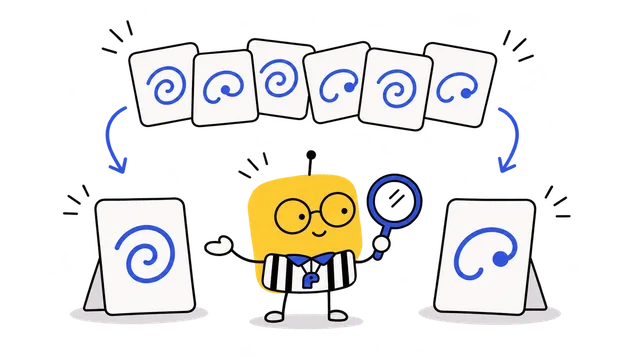
Look-alike pairs such as さ/ち, ぬ/め, シ/ツ and ソ/ン, mixed in random order. Get 6 in a row right to clear it.

Dictation Pro

Only the sound, no romaji. Words can be added.

Hiragana ↔ Katakana Pro

See hiragana and write katakana, or the other way around.

60-second challenge Pro

Listen and write: how many can you get right in 60 seconds? Your best score is kept.

Look-alike showdown, Dictation, Hiragana ↔ Katakana and 60-second challenge are Pro. With the hiragana you have learned, the free version has Unlimited writing and Practice frequent mistakes.

Copybook and handwriting

Everything you write is kept in your own copybook

Write 12 times (copybook)

Tap any character in the kana chart and choose “Write 12 times (copybook)”. 4 boxes to trace, 2 with a faint guide and 6 empty, each one checked.

My Copybook

Each day's practice sheet is filed by date, so you can page back through it.

Character progress

Your first, a middle and your latest version of a character side by side. Tap one to replay how you wrote it. Practice sheets and a character's progress can be saved as images to share.

Details

Content
The 46 basic hiragana. Pro adds katakana, dakuon, handakuon, yōon and 66 basic words.
Each day
Today's Page is 40 writes (about 10 minutes) by default; you can set 10 to 200. For more, go to Practice.
How you write
With your finger on the screen.
Readings
Recorded Japanese voice, included in the app. The few words without a recording use the iPhone's built-in Japanese voice.
Account
Not needed. With iCloud on, your handwriting and progress sync to your own iCloud, so you can continue on a new phone.
Devices
iPhone with iOS 17 or later. It also runs on iPad.

What it does not do

  • It only practises writing kana. No grammar, kanji or conversation.
  • It checks stroke count, order, direction and shape. It does not grade how nice your handwriting looks.
  • The 66 basic words are there to practise the kana you have learned. It is not a vocabulary course.

Free and Pro

Honestly, the free version is enough to master writing hiragana. Upgrade when you’re ready to write katakana and words, too.

Already included for free

  • All 46 hiragana: intro lesson, lessons by row, and a guide for each kana
  • One page a day, at your own pace. Kana you miss return the next day
  • Unlimited writing: Practice the hiragana you’ve learned until you know them
  • Handwriting sheets: write each learned hiragana 12 times
  • My handwriting notebook, kana progress comparisons, and iCloud sync
  • Japanese pronunciation for every kana and word

More with Pro

  • Katakana, voiced and semi-voiced kana, and yōon Try it first in the app
  • 66 basic words to write with kana you’ve learned Try it first in the app
  • Lookalike kana: tell さ/ち and シ/ツ apart Try it first in the app
  • Dictation, hiragana–katakana switching, 60-second challenge Try it first in the app
  • Write more after today’s page, or practice a specific kana row
  • No ads

Why it’s worth it

  • Unlimited writing for the price of a kana practice book
  • Write without ad interruptions
  • Paying makes you more likely to open the app and write every day (really)
  • Support an app made by one person and help keep it updated
  • One-time purchaseMost recommendedPay once, Pro for good
  • YearlyAuto-renews, saves over half compared to monthly
  • MonthlyAuto-renews, cancel anytime

Choose in the app; prices follow your App Store.

You can keep using it without paying.

Start with あ, one page a day.